




Small Business Password Managers Compared: 1Password vs Bitwarden, Keeper, Dashlane and NordPass for Teams of 5 to 50
Shared logins in spreadsheets and sticky notes are a breach waiting to happen. This guide compares five team password managers on real per-user cost, SSO access, and how quickly a small crew can...
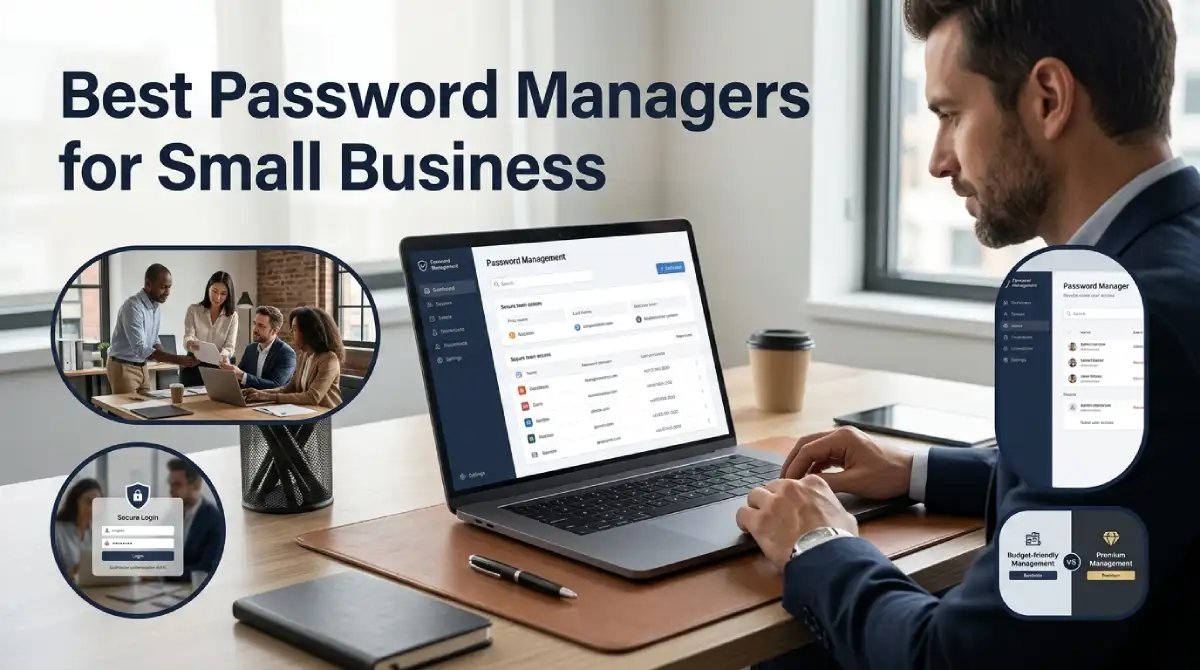
For most small teams, 1Password is the best password manager for small businesses if you want people to actually use it. Bitwarden wins when budget and control matter more. Keeper suits compliance-heavy shops, Dashlane suits managers who love a polished admin dashboard, and NordPass suits anyone who needs a fast, simple rollout.
Table Of Content
- Why a Free Browser Vault Stops Being Enough
- What to Check Before You Pay for Anything
- Side-by-Side: Price, SSO and Setup Effort
- 1Password Business: The Easiest Sell to Staff
- Bitwarden: The Value Pick With Open Code
- Keeper: Built for Teams That Get Audited
- Dashlane: Polished, Pricey, and Strong on Risk Visibility
- NordPass: The Fast Lane for Tiny Teams
- 1Password vs Bitwarden: The Decision Most Teams Actually Face
- What It Costs at 10, 25 and 50 Seats
- A Rollout That Won’t Spark a Staff Revolt
- Quick Answers Before You Decide
- Pick One This Week, Then Close the Next Gap
The wrong pick rarely fails on features. It fails because staff ignore it and drift back to shared spreadsheets, and a single reused password is all an attacker needs. This guide compares real costs, SSO access, and setup effort, so you can choose once and move on.
Why a Free Browser Vault Stops Being Enough
Most teams start with passwords saved in Chrome or a shared Google Sheet. It works until someone leaves. Then you have no clean way to cut off their access, and nobody knows which accounts they could reach.
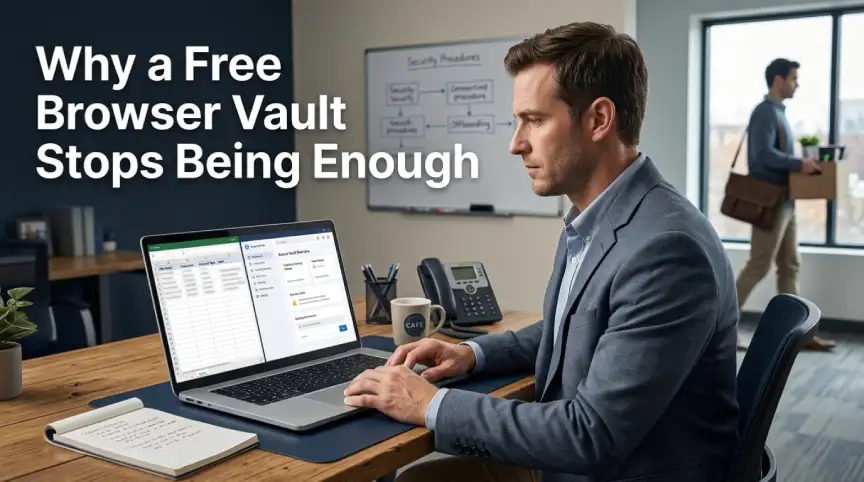
A proper credential management tool fixes three things at once. It gives every employee their own encrypted vault, it lets you share logins without sending them in chat, and it gives you an admin view for offboarding. That last part is where the business case lives. Every hour your office manager spends resetting passwords by hand is an hour you pay for twice.
Cost matters here too. Insurers now ask about password hygiene and MFA on renewal forms, so a managed tool can support your cyber insurance for small business applications rather than complicate it.
What to Check Before You Pay for Anything
Ignore the long feature lists. Five things decide whether a tool earns its seat price.
First, look at zero-knowledge encryption. It means the vendor cannot read your vault, even if its servers are breached. Every product in this guide uses it, so treat it as the entry ticket rather than a selling point.
Second, check where SSO sits. Some vendors lock single sign-on behind their top tier, which quietly raises your real cost. Third, look at MFA support, both for the vault itself and for the vendor’s built-in authenticator. Fourth, ask how sharing works, because shared team folders are the whole point. Fifth, test the setup yourself. If importing old passwords takes an afternoon, adoption will stall.
Side-by-Side: Price, SSO and Setup Effort
Prices below are list prices on annual billing at the time of writing. Vendors change them often, so confirm on each pricing page before you buy.
| Tool | Entry price | Mid tier | SSO access | Best for |
|---|---|---|---|---|
| 1Password | $19.95/month flat, up to 10 users | Business, $7.99/user/month | Business and above | Mixed technical and non-technical teams |
| Bitwarden | Teams, $4/user/month | Enterprise, $6/user/month | Enterprise tier | Budget-conscious, open-source fans |
| Keeper | Business Starter, about $2/user/month | Business, about $3.75/user/month | Higher tiers | Compliance-heavy teams |
| Dashlane | Starter, about $20/month for 10 users | Business, about $8/user/month | Business and above | Admin dashboards, breach monitoring |
| NordPass | Teams, about $1.79/user/month | Business, about $3.59/user/month | Enterprise | Quick, simple rollouts |
1Password Business: The Easiest Sell to Staff
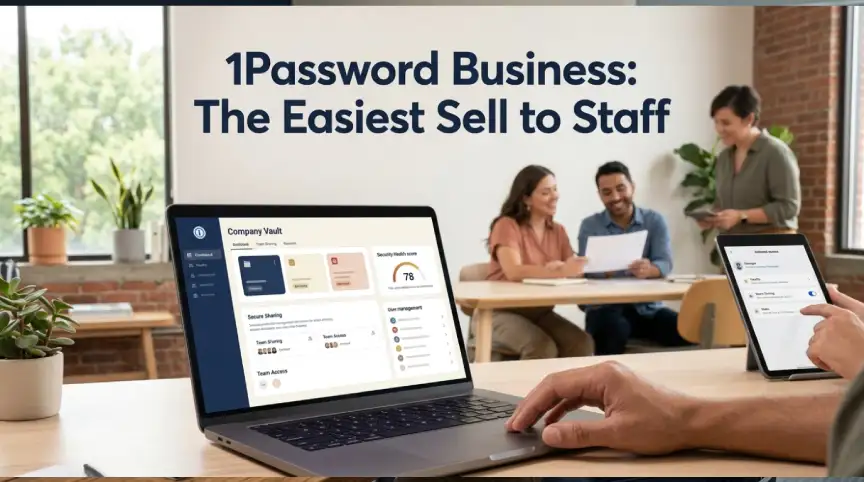
1Password has the cleanest design of the group, and that shows up in adoption. People who dislike security tools tend to tolerate this one. The Teams Starter Pack gives up to 10 users a flat monthly price. After that, the Business plan costs about $7.99 per user each month on annual billing.
The admin side is strong too. You get sharing vaults, activity logs, and a straightforward way to revoke access when someone quits. Many reviewers also like that it keeps vault data separate from work and personal use.
The downside is price. At 50 seats, you will pay roughly double what Bitwarden’s Teams plan costs. If your people are not technical and you want the fewest support tickets, though, that premium often pays for itself.
Bitwarden: The Value Pick With Open Code
Bitwarden is the budget favorite, and for good reason. Its code is publicly auditable, which is a real trust advantage when you are handing over every company login. The Teams plan costs $4 per user each month and covers directory sync and sharing.
Here is the catch most reviews bury. Single sign-on and the finer policy controls sit in the $6 Enterprise tier. If your team needs SSO, the true price is $6, not $4. That is still cheaper than most rivals, and Enterprise also adds self-hosting and a free families plan for every employee.
The interface is plainer than 1Password’s. Technical teams shrug at that. A team of accountants and sales reps may need a little more hand-holding.
Keeper: Built for Teams That Get Audited
Keeper leans toward security and compliance depth. Its Business Starter plan runs about $2 per user each month and is limited to small teams. The main Business plan sits near $3.75, which makes it one of the cheapest options with serious admin controls.
Granular policies and detailed audit trails are its real strength. If a client or insurer asks you to prove who accessed what, Keeper makes that report easy. Our guide to zero trust security for small businesses explains why that kind of access evidence matters.
The trade-off is a busier interface. Expect to spend a little more time on training.
Dashlane: Polished, Pricey, and Strong on Risk Visibility
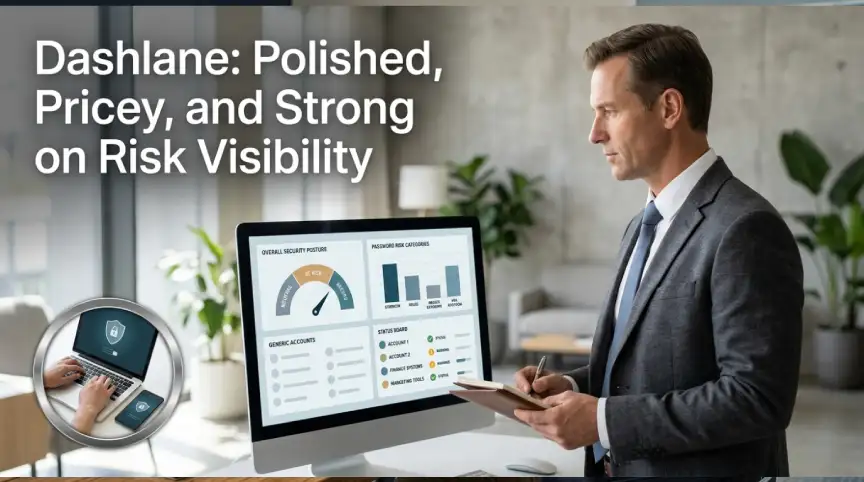
Dashlane charges about $8 per user each month for its Business plan, so it sits at the premium end. What you get is a tidy admin console and a credential risk dashboard. It flags weak, reused, and exposed passwords across the whole company.
That dashboard is useful for managers who want a single number to track. Dashlane also bundles breach monitoring, which some competitors sell separately. It has also stopped publishing some pricing openly, so you may need to talk to sales.
If your priority is visibility into employee security habits, it is worth a trial. If you only need shared logins, you can pay less elsewhere.
NordPass: The Fast Lane for Tiny Teams
NordPass is the simplest to roll out. Its Teams plan starts near $1.79 per user each month for up to 10 users. The Business tier is around $3.59 and scales further.
Setup is quick, and the interface will feel familiar to anyone who has used a consumer password manager. It is not as deep as Keeper on audit trails or as open as Bitwarden on code. For a five-person agency that wants protection by Friday, though, it is hard to beat on cost and speed.
1Password vs Bitwarden: The Decision Most Teams Actually Face
Strip away the noise, and most buyers end up choosing between these two. The 1Password vs Bitwarden question comes down to who is using it. If your staff are mostly non-technical and you value a smooth experience, 1Password usually wins. If you have a technical lead who likes control and open code, Bitwarden saves real money.
Think about total cost, not just seat price. A cheaper tool that needs twice the support time can cost more than a pricier one that people understand on day one. Run the numbers for your own headcount, and include the hours your team will spend on setup.
One more point in Bitwarden’s favor is self-hosting. If your policy says credentials must stay on your own servers, only a few tools can do that. For everyone else, the cloud version is simpler and perfectly safe.
What It Costs at 10, 25 and 50 Seats
Annual cost at list price makes the gaps obvious. These are estimates built from the prices above, so treat them as a planning guide.
| Tool | 10 users | 25 users | 50 users |
|---|---|---|---|
| 1Password | about $240 (Starter Pack) | about $2,400 | about $4,800 |
| Bitwarden Teams | about $480 | about $1,200 | about $2,400 |
| Bitwarden Enterprise | about $720 | about $1,800 | about $3,600 |
| Keeper | about $240 (Starter) | about $1,125 | about $2,250 |
| Dashlane | about $240 (Starter) | about $2,400 | about $4,800 |
| NordPass | about $215 (Teams) | about $1,075 | about $2,150 |
Notice how the flat starter plans make 10 seats cheap almost everywhere. The gap opens once you pass that limit. A 50-person firm can save more than $2,000 a year by choosing carefully, which is real money for a small business.
A Rollout That Won’t Spark a Staff Revolt
Buying the tool is the easy half. Getting people to use it is where most projects die. A calm, staged plan works better than a mandate.
- Start with two or three volunteers, ideally one skeptical person, and fix the friction they find.
- Import existing passwords and turn on MFA for every vault from the first day.
- Move shared accounts into team folders, such as the company social logins and vendor portals.
- Run a 20-minute training session, and pair it with your cybersecurity training for employees so the habit sticks.
- Set a deadline, then delete old shared spreadsheets so nobody falls back on them.
This also fits neatly alongside the other basics in our cybersecurity tools roundup for small businesses, since a password manager and MFA cover the most common attack paths first.
Quick Answers Before You Decide
What is the best password manager for small business teams?
1Password is the easiest for mixed teams, and Bitwarden is the best value. Keeper suits teams that face audits.
Is Bitwarden safe enough for business use?
Yes. It uses zero-knowledge encryption, and its open code is publicly audited. Just remember that SSO needs the Enterprise tier.
How much should a small business spend on a password manager?
Most teams pay $2 to $8 per user per month. A 10-person team can often stay under $500 a year.
Do I still need MFA if I use a password manager?
Yes. A manager protects the passwords, and MFA protects the vault itself. Turn both on for every employee.
Can a password manager help with offboarding?
It can. An admin can revoke a leaver’s access in minutes, and shared credentials can be rotated right away.
Pick One This Week, Then Close the Next Gap
The best password manager for small business is the one your people will open every morning without being nagged. For most teams that means 1Password or Bitwarden, with Keeper as the pick for audit-heavy work and NordPass for speed. Start a free trial with a small group, measure how long setup really takes, and decide on evidence rather than brochures.
If this helped you tighten up your security stack, the Business Tech section has more practical, budget-friendly guides waiting for you.
Next up: how to roll out MFA across a small team without a single frustrated support ticket.





No Comment! Be the first one.