




7 Best Smart Plugs for Renters in 2026
Renting does not mean skipping smart home upgrades. These seven plugs add schedules, voice control and energy tracking without wiring, drilling or a hub you have to leave behind.
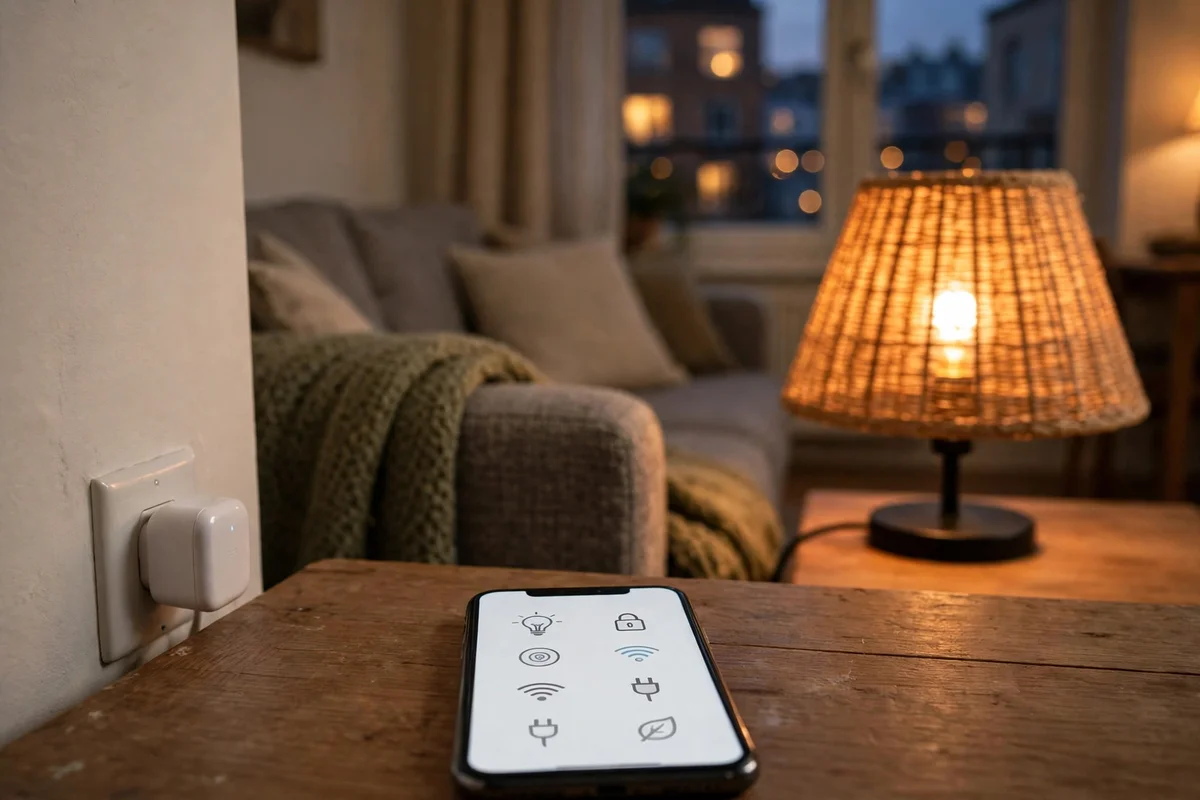
A smart plug is the easiest smart home upgrade a renter can make. It sits between the outlet and the appliance. Nothing gets wired, mounted or altered. When you move out, you unplug it and take it with you.
Table Of Content
- What to Check Before You Buy
- The 7 Smart Plugs, Side by Side
- 1. TP-Link Kasa KP125M: Best Overall
- 2. TP-Link Tapo P110M: Best Budget Matter Plug With Energy Monitoring
- 3. TP-Link Tapo P125M: Cheapest Matter Plug
- 4. TP-Link Kasa EP25: Best for Apple Home Without Matter
- 5. Amazon Smart Plug: Best for Alexa-Only Homes
- 6. Eve Energy: Best Thread Plug for Apple Homes
- 7. Govee Smart Plug Pro, 4-Pack: Best for Filling a Whole Apartment
- KP125M vs EP25: Clearing Up the Confusion
- Common Mistakes Renters Make With Smart Plugs
- Questions Renters Ask Before They Buy
- Start With One Plug
The short answer is simple. Buy the TP-Link Kasa KP125M if you want the best all-round plug. It is Matter-certified, it tracks energy use, and it works with every major platform. Buy the Tapo P110M if you want Matter and energy monitoring for less money. Buy the Tapo P125M if you want the cheapest Matter plug and can live without energy data.
Prices below were checked on 21 November 2026. Plug prices move with sales, so check the live listing before you buy.
What to Check Before You Buy
Start with the ecosystem you already use, not the plug. A plug that is perfect for an Apple Home household can be a poor fit in an Alexa-only apartment. Check which voice assistant and app the rest of your home already runs on, then buy a plug that speaks to it.
Matter changes the question but does not remove it. A Matter-certified plug works across Alexa, Google Home, Apple Home and SmartThings. It still needs a Matter controller for your platform, such as an Echo speaker, an Apple TV or HomePod, or a Google Nest Hub. The controller runs your automations. The plug alone cannot do that.
Thread plugs follow a similar rule. Eve Energy runs on Thread, not Wi-Fi, so it needs a Thread border router. That is usually the same hub: a HomePod mini, an Apple TV 4K or a Nest Hub. If you own none of those, a Wi-Fi plug is the simpler buy.
Check the amperage rating before you plug anything heavy into a smart plug. Every plug in this guide is rated 15 amps, about 1,800 watts on a US circuit. That covers lamps, fans, coffee makers and TVs. It does not cover a space heater or window air conditioner above that rating, so read the appliance label first.
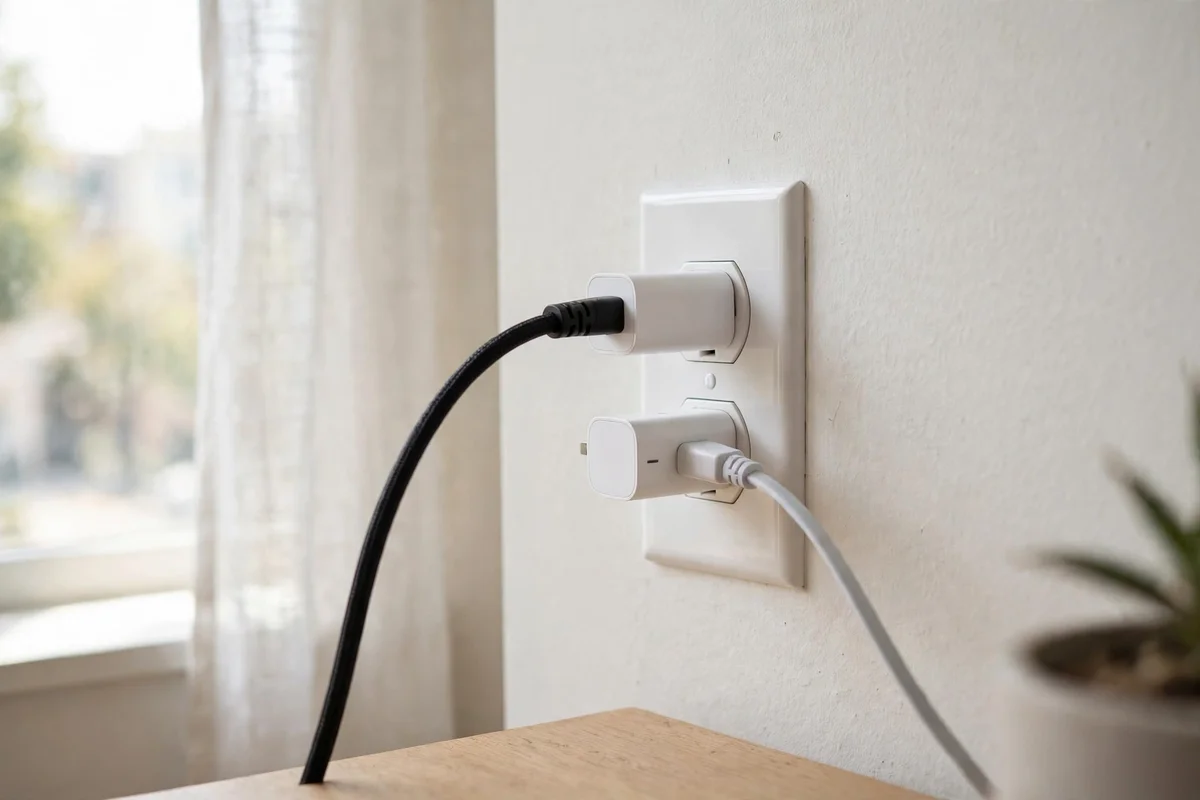
Check the plug against your outlet spacing. A bulky plug can block the second socket in a duplex outlet. That is a common complaint in older apartment buildings, where outlets are already scarce. Compact plugs, or two slim plugs stacked on one outlet, solve it.
Decide whether energy monitoring matters to you. It shows what each appliance costs to run, which helps you find the ones that quietly drain power overnight. It is worth paying for if you want that data. It is not essential if you only want schedules and remote on-off control.
One more detail: every Wi-Fi plug here connects over 2.4 GHz Wi-Fi. They will not see a 5 GHz-only network. If setup stalls, check that your router's 2.4 GHz band is switched on.
The 7 Smart Plugs, Side by Side
| Plug | Matter | Energy monitoring | Works with | Price |
|---|---|---|---|---|
| TP-Link Kasa KP125M | Yes | Yes, in the Kasa app | Alexa, Google Home, Apple Home, SmartThings | About $15 single; 2-pack often around $19 |
| TP-Link Tapo P110M | Yes | Yes, in the Tapo app | Alexa, Google Home, Apple Home, SmartThings | $19.99 single; $29.99 for a 2-pack |
| TP-Link Tapo P125M | Yes | No | Alexa, Google Home, Apple Home, SmartThings | $19.99 list; 3-pack on sale at $19.99 |
| TP-Link Kasa EP25 | No | Yes, in the Kasa app | Alexa, Google Home, Apple Home, SmartThings | About $14 single; 4-pack usually $36 to $43 |
| Amazon Smart Plug | No | No | Alexa only | $24.99 list; regularly about $13 on sale |
| Eve Energy | Yes, over Thread | Yes, in the Eve app or your platform | Apple Home, SmartThings, Alexa, Google Home, Home Assistant | $43.95 |
| Govee Smart Plug Pro, 4-pack | Yes | No | Alexa, Google Home, Matter platforms | $49.99 list; on sale at $29.99 |
1. TP-Link Kasa KP125M: Best Overall
The Kasa KP125M is the plug to buy first. It is Matter-certified, so one setup joins Apple Home, Alexa, Google Home and SmartThings. It also tracks real-time and historical wattage in the Kasa app, which is genuinely useful for spotting appliances that drain power overnight. Schedules live on the plug itself, so a Wi-Fi outage will not break your morning coffee routine.
TP-Link's own product page confirms the Matter certification, the energy monitoring, the compact body and the 15-amp rating. The plug is small enough to leave the second socket free in most duplex outlets. It costs about $15 for a single plug, and the 2-pack often sells for around $19.
The catch is the app split. The deepest energy history and the advanced controls live in the Kasa app, not in every Matter controller. That is normal for Matter devices. The plug still switches, schedules and reports through your platform of choice.
2. TP-Link Tapo P110M: Best Budget Matter Plug With Energy Monitoring
The Tapo P110M gives you nearly everything the KP125M does for less money. It is Matter-certified, it tracks energy use, and it estimates your energy bill in the Tapo app. It also has a Smart Charge Guard that switches a device off once it hits the low-power level you set, which stops chargers from sitting at full power all night.
Setup is flexible. You can onboard it by Bluetooth in the Tapo app, or scan the Matter code with any Matter app, such as the Alexa, Google Home or Apple Home app. TP-Link lists it at $19.99 for a single plug and $29.99 for a 2-pack. It is sold mainly in 2-packs and 4-packs, so check the listing for the pack size you want.
Do not confuse this plug with the plain Tapo P110. The P110 is a Wi-Fi plug for the Tapo app, Alexa and Google only. It has no Matter support and no Apple Home support. The M in the name is the difference, and it is the whole reason this plug is in the guide.
3. TP-Link Tapo P125M: Cheapest Matter Plug
The Tapo P125M is the cheapest way into Matter. It joins Apple Home, Alexa, Google Home and SmartThings from one setup, and its compact body leaves the second socket free. It has an auto-off timer that switches a device off after a set time, which is handy for a heater or an iron you might forget.
The trade-off is clear. There is no energy monitoring at all. If you want to see what an appliance costs to run, this is not your plug. Buy it for simple on-off control and schedules, and spend the saving on a second plug.
The list price is $19.99 for a single plug. TP-Link's own store had the single on sale at $7.99 when we checked on 21 November 2026, though it was out of stock, while the 3-pack was in stock on sale at $19.99. That 3-pack is the better buy at about $6.66 per plug.
4. TP-Link Kasa EP25: Best for Apple Home Without Matter
The Kasa EP25 is the plug for an Apple Home household that does not care about Matter. It works directly with Apple Home, and it tracks real-time and historical energy use in the Kasa app. It also works with Alexa, Google Assistant and SmartThings, so a mixed household is covered.
Its body is the selling point after the price. It is slim enough to stack two plugs on the same duplex outlet without blocking either socket. It is rated 15 amps, it is UL certified, and it carries a 2-year warranty. It costs about $14 for a single plug, and the 4-pack usually runs $36 to $43, which brings each plug to roughly $10.
The one thing to know is the name. The EP25 is not a Matter plug. TP-Link's own product page lists no Matter support for it. If Matter matters to you, buy the KP125M instead. The two plugs look alike, cost nearly the same, and do different jobs. That confusion is covered in its own section below.
5. Amazon Smart Plug: Best for Alexa-Only Homes
If every device in your apartment already talks to Alexa, this plug removes almost all friction. Say "Alexa, discover devices" and it appears in the Alexa app, with no third-party app or separate account needed. It runs schedules and routines, and it reconnects itself after an outage.
The trade-off is ecosystem lock-in. It does not support Google Home, Apple Home or Matter, and it skips energy monitoring entirely. For a single-ecosystem household, that trade-off is easy to accept. For anyone who might switch platforms after a move, a Matter plug is the safer buy.
The list price is $24.99. It regularly drops to about $13 during Amazon sales, so it is rarely worth buying at full price. Wait for a sale if you can, and check the live listing first.
6. Eve Energy: Best Thread Plug for Apple Homes
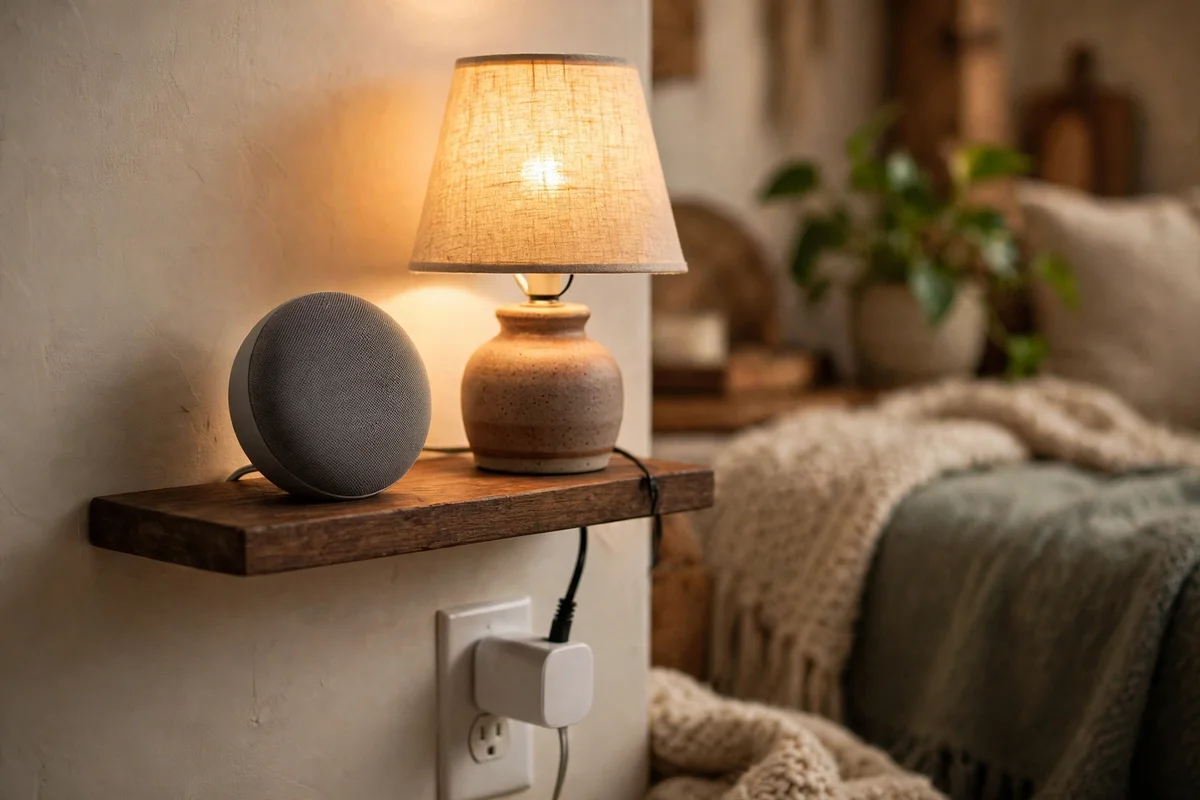
Eve Energy is the premium pick in this guide, and the price shows it. The list price is $43.95 on Eve's own US store. What you get for that money is a Thread plug with Matter support, detailed energy tracking, and a privacy stance no other plug here matches: no subscription, no Eve cloud, and no account to register.
It works with Apple Home, SmartThings, Alexa, Google Home, Home Assistant and Homey. As a Thread device it also strengthens your Thread mesh, relaying data for other Thread accessories in the home. The Eve app adds child lock, LED control and an electricity-rate setting for accurate cost figures.
The catch is the hub. Eve Energy needs a hub with a Matter controller and a Thread border router, such as a HomePod mini or an Apple TV 4K. If you already own one, setup takes minutes.
If you do not, the hub costs more than the plug, and a Wi-Fi plug is the better buy. Eve's site lists a 25% discount code, SMART25, for orders over $50 through 30 November 2026, which helps if you are buying two or three.
7. Govee Smart Plug Pro, 4-Pack: Best for Filling a Whole Apartment
Renters furnishing an entire apartment often need more than one plug. Govee's Smart Plug Pro 4-pack covers lamps, fans and small appliances across several rooms for the price of one premium single plug. It connects over Wi-Fi and Bluetooth, and it supports Alexa, Google Home and Matter platforms.
One correction to older guides, including our own: the current Smart Plug Pro is Matter-compatible. The older non-Matter model is no longer sold on Govee's own store. If you buy from a third-party listing, check the model number. The current one is B5083.
The list price is $49.99 for four, on sale at $29.99 on Govee's own store when we checked. The 4-pack was out of stock at that check, with restocking expected on 10 December 2026, while the 2-pack was on sale at $22.48. The plug skips energy monitoring. A separate Govee model with energy monitoring exists, but it is a different product at a different price.
KP125M vs EP25: Clearing Up the Confusion
These two plugs cause more confusion than any other pair in this guide. They come from the same company, they look alike, they both track energy use, and they cost nearly the same. The difference is one word: Matter.
The KP125M is Matter-certified. It joins any Matter platform from one setup, and it is the plug to buy if you run more than one ecosystem or might switch later. The EP25 is not Matter-certified. It works directly with Apple Home, Alexa, Google Assistant and SmartThings, and it is the plug to buy if your home already runs on those platforms and you will not switch.
Both track energy use in the Kasa app. Both are rated 15 amps. Both fit two to an outlet. Pick the KP125M for flexibility. Pick the EP25 if you want Apple Home support without Matter and the lowest multi-pack price.
Common Mistakes Renters Make With Smart Plugs
The most common mistake is buying a plug before checking which voice assistant the rest of the apartment already uses. Mixing ecosystems without Matter support means juggling two or three separate apps just to turn off a lamp.
The second mistake is ignoring outlet spacing. A bulky plug can block the second socket in a duplex outlet, which becomes a real problem in older buildings where outlets are already scarce.
The third mistake is skipping the return window. Test a single plug for a week before buying a four-pack, since Wi-Fi interference varies between apartments and even between rooms in the same apartment.
The fourth mistake is overloading a plug. A 15-amp rating sounds generous until a space heater and a hair dryer share one circuit. Check the appliance label, and keep heavy loads off smart plugs unless the rating clearly covers them.
The fifth mistake is forgetting the 2.4 GHz rule. If your router has separate bands, the plug needs the 2.4 GHz one. A plug that will not pair is usually a band problem, not a broken plug.
Questions Renters Ask Before They Buy
Do smart plugs need a hub?
Most modern smart plugs connect directly to Wi-Fi or Thread, so no separate manufacturer hub is needed. A Matter plug still needs a Matter controller for your platform, such as an Echo speaker, an Apple TV or a Nest Hub. A Thread plug needs a Thread border router, which is usually the same device.
Are smart plugs safe to use in a rental apartment?
Yes. Smart plugs plug into existing outlets and need no wiring changes, so they do not usually breach standard lease terms. Always check your own lease if you are unsure, especially in a unit with an older electrical panel.
What is Matter and why does it matter for renters?
Matter is a shared smart home standard that lets certified devices work across Alexa, Google Home, Apple Home and SmartThings. For renters who might switch ecosystems after a move, it means the plugs move with you instead of being replaced.
Can I take my smart plugs with me when I move?
Yes. Nothing is wired or permanently installed, so every plug in this guide unplugs and travels with you. Set them up again in the new place and your schedules come back with them.
Do smart plugs increase my electricity bill?
The plug itself draws a negligible amount of standby power. Models with energy monitoring can actually help lower your bill by showing which appliances waste electricity overnight.
Which smart plug is best for a studio apartment?
The Tapo P125M or the Amazon Smart Plug are both compact and affordable, which makes them a practical starting point for a single room with limited outlets. Pick the P125M for Matter, or the Amazon plug for an Alexa-only room.
How many smart plugs can I run on one Wi-Fi network?
Most home routers comfortably support 20 to 30 connected devices, so a handful of smart plugs will not cause issues. Thread plugs like Eve Energy avoid this limit entirely by running on their own mesh network.
Start With One Plug
You do not need to own your walls to build a smart home that actually works. The right smart plug for renters comes down to the ecosystem you already use and whether energy monitoring is worth the extra cost.
Start with one plug on your most-used appliance, whether that is a lamp or a coffee maker, and expand from there. For more apartment-friendly picks, check our guide to the best smart home devices for renters and our roundup of the best smart home security cameras for renters.
If you are still deciding between ecosystems, our breakdown of setting up Matter devices without a hub is a good next stop before you buy anything else. Our guide to smart home energy monitors goes deeper on tracking what each appliance costs, and our Wi-Fi vs Thread explainer covers the network choice behind the Eve Energy pick.




No Comment! Be the first one.