




Which Notes App Is Actually Worth Using in 2026? 6 Top Picks Compared
Wondering which of the best note-taking apps in 2026 is worth your time? Here's an honest look at Notion, Obsidian, OneNote, Apple Notes, Google Keep, and Joplin.
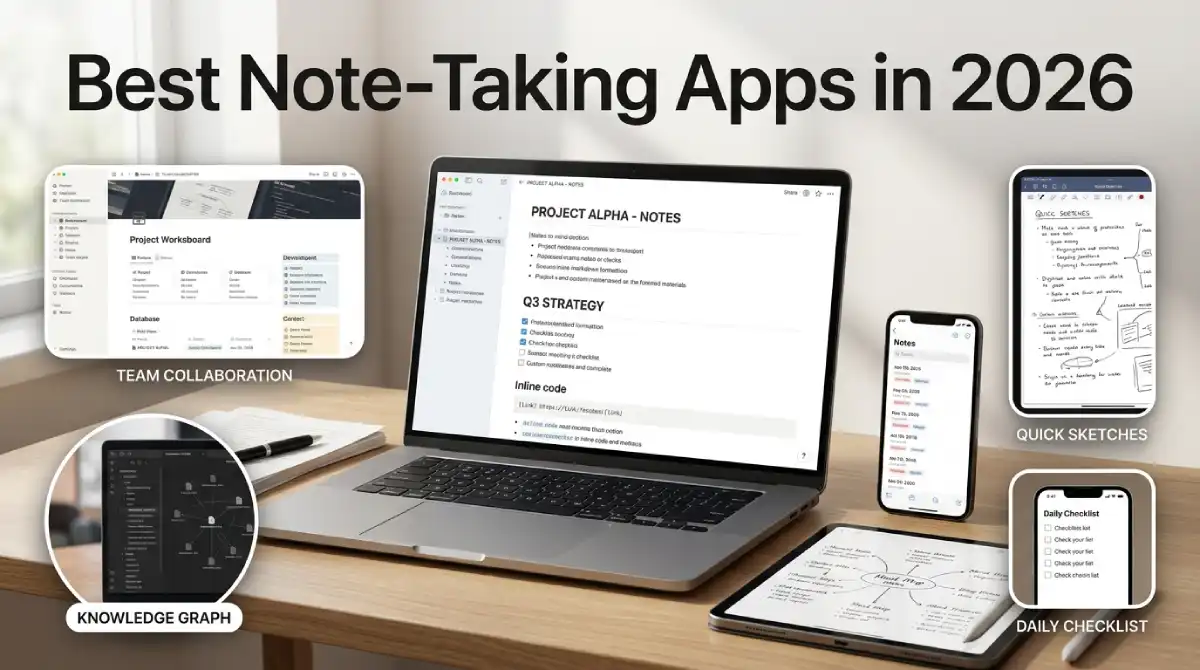
Best note-taking apps in 2026? Short answer: Notion, Obsidian, and Microsoft OneNote cover most people. Notion is a workspace, Obsidian is a private Markdown vault, and OneNote is a free digital notebook. Apple Notes and Google Keep are fine if you just want quick capture.
Table Of Content
- Best Note-Taking Apps in 2026: The 60 Second Cheat Sheet
- Seven Things That Decide Whether You’ll Actually Stick With a Notes App
- Notion vs Obsidian: Which One Will You Actually Keep Using?
- Best Free Note-Taking Apps That Don’t Feel Cheap
- Best Note-Taking App for Students on a Tight Budget
- Handwriting Recognition: Does It Handle Messy Writing?
- Templates and Tags: The Quiet Features That Save Hours
- Sync Problems? Check This Before You Trust Any App
- Are Your Notes Really Private? End-to-End Encryption Explained
- How to Switch Notes Apps Without Losing Your Old Notes
- 3 Mistakes That Make People Quit Their Notes App
- Still Can’t Decide? Match Your Need to One App
- Stop Comparing, Start Writing: Pick Your App Now
Here’s the catch. The right one depends on how you write and how private your notes need to be. Already juggling tools from our best AI productivity apps for remote work list? Then pick a notes app that plays nicely with them.
Best Note-Taking Apps in 2026: The 60 Second Cheat Sheet
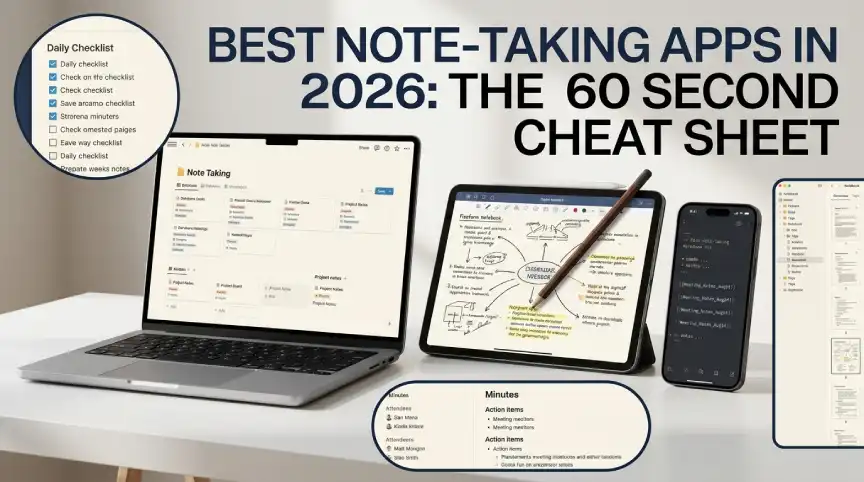
Here’s the quick version before the details. Plans change often, so double-check prices on each official site. Skim the table, then jump to the section you care about.
| App | Best for | Free option | Standout feature |
|---|---|---|---|
| Notion | Workspaces and wikis | Yes | Databases and templates |
| Obsidian | Private Markdown notes | Yes | Local files and note linking |
| Microsoft OneNote | Handwriting and notebooks | Yes | Freeform pages and pen input |
| Apple Notes | Apple device users | Yes, built-in | iCloud sync and locked notes |
| Google Keep | Quick lists and reminders | Yes | Labels and reminders |
| Joplin | Open source and privacy | Yes | End-to-end encrypted sync |
| Evernote | Existing users only | Limited | Free plan holds 50 notes |
Seven Things That Decide Whether You’ll Actually Stick With a Notes App
Everyone talks about features. Almost nobody talks about habits. An app with fifty features still fails if it’s annoying to open. So before you compare the best note-taking apps, run each one through this list.
- Markdown: format with simple symbols like # and *. Plain text also means you can leave any time.
- Sync: notes must show up on your phone and laptop. No manual steps.
- Templates: handy for meetings, lectures, and project plans.
- Handwriting recognition: matters only if you write with a stylus.
- Cross-platform apps: check every device you own, even the old tablet.
- Tagging and search: you’ll thank yourself in six months.
- End-to-end encryption: only your devices can read the notes.
One of these is worth a closer look: Markdown. It’s just plain text with light formatting, so your notes aren’t trapped inside one company’s app. If a service doubles its price tomorrow, you can walk away with your files. That’s real freedom.
Notion vs Obsidian: Which One Will You Actually Keep Using?
Notion vs Obsidian is the fight everyone brings up. Honestly, they’re not even playing the same game. Notion lives in the cloud and feels like a workspace. Obsidian lives on your device and feels like a private library.
Notion mixes notes, databases, wikis, and project pages. Its template gallery gets beginners moving quickly. You can use it for free for personal stuff, and paid plans add team features. One catch: it doesn’t offer end-to-end encryption, so keep truly sensitive notes elsewhere.
Obsidian saves everything as Markdown files in a folder you own. Link one note to another, and you slowly build a web of ideas. The app is free, and since February 2025, that includes work use. Sync is optional, and it adds end-to-end encryption.
The official Obsidian pricing page lists Sync at $4 per user each month on annual billing. If you need teamwork and structure, Notion is the easier pick. If you want privacy and speed, Obsidian wins. Some people run both side by side.
Best Free Note-Taking Apps That Don’t Feel Cheap
Free doesn’t have to mean limited. A handful of free note-taking apps handle nearly everything most people need. Here are the four I’d look at first.
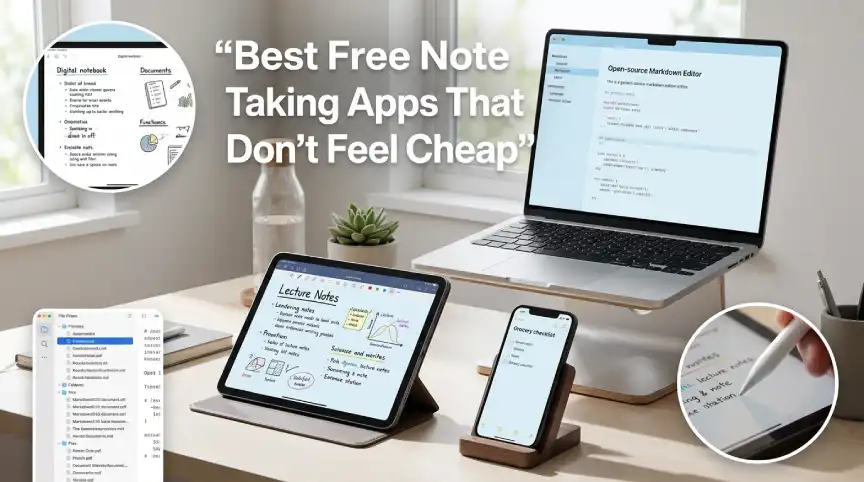
Microsoft OneNote is free with a Microsoft account. The pages are freeform, so you can type, draw, or drop in content anywhere. It runs on Windows, Mac, iPhone, Android, and the web. For students and office workers, that spread is hard to beat.
Apple Notes is already on your iPhone, iPad, and Mac. It syncs through iCloud, and you can lock private notes. On iPad, Apple Pencil makes handwriting feel natural. Outside Apple devices, it gets awkward, though iCloud.com gives you a web version.
Google Keep is the lightweight one. Think grocery lists, quick reminders, and color-coded labels, all tied to your Google account. It runs on the web, Android, and iPhone. Don’t expect it to handle long research notes.
Joplin is open source and supports Markdown. Its sync is end-to-end encrypted, and it connects to Dropbox, OneDrive, or Nextcloud. That’s a great fit if privacy matters to you. The look is plain next to Notion, but the basics are covered.
And Evernote? I’d skip it for now. The free plan stops at 50 notes and one notebook. That’s a trial, not a home for your ideas.
Best Note-Taking App for Students on a Tight Budget
Students need three things: speed, search, and a low price. Everything else is a bonus. Here’s how I’d set it up depending on your style.
- OneNote: best for handwritten lecture notes, with one notebook per subject.
- Obsidian: great for linking ideas across courses, and students get 40% off Sync.
- Notion: perfect for assignment trackers built from templates.
Whatever you pick, stick with it for the whole semester. Switching halfway scatters your notes everywhere. Export a backup when the term ends.
Handwriting Recognition: Does It Handle Messy Writing?
Handwriting recognition turns scribbles into searchable notes. It only matters if you write on a tablet with a pen. OneNote and Apple Notes both support pen input. GoodNotes and Notability are dedicated apps built for tablets too.
Don’t trust the marketing; test it. Scribble a few sloppy lines, then search for one word. Results depend on your handwriting, so a five-minute trial saves a lot of regret.
Templates and Tags: The Quiet Features That Save Hours
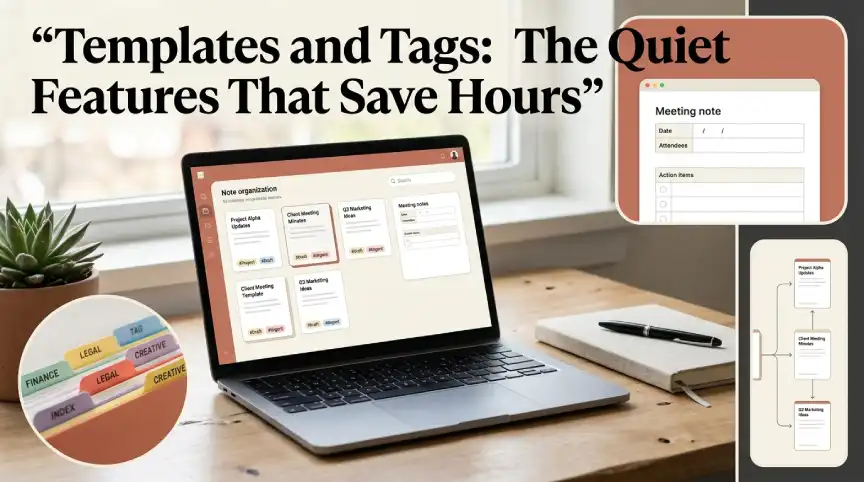
Nobody picks an app for its tags. But tags decide whether you can find anything later. Notion leans on templates and databases for structure. Obsidian leans on links and tags.
Google Keep uses simple labels, which is plenty for short notes. OneNote organizes everything into notebooks, sections, and pages. Apple Notes uses folders and tags too.
Pick the system that matches how your brain sorts things. If you hate folders, avoid apps built around them. You’ll quit faster than you think.
Sync Problems? Check This Before You Trust Any App
Sync is where plenty of apps let people down. There’s nothing worse than opening your phone and finding last week’s version. Make sure the app has real versions for every device you own. Then edit a note on one device and check the other.
Cloud sync is easy. Local-first apps give you more control. Obsidian keeps plain files, so you can sync through a service you already use. It takes more effort, but you hold your own copy.
Are Your Notes Really Private? End-to-End Encryption Explained
End-to-end encryption means only your devices can read the notes. Even the company running the servers can’t open them. Obsidian Sync and Joplin both offer it. Apple Notes does for locked notes, and for everything once Advanced Data Protection is on.
There’s a flip side, though. Lose your password or recovery key, and nobody can get your notes back. Save that recovery info somewhere safe before you store anything important.
How to Switch Notes Apps Without Losing Your Old Notes
Switching sounds scarier than it is. Export a small batch first, just as a test. Markdown files move between apps more easily, which is one more reason to like the format. Keep the old app around for a week until you trust the new one.
Rebuild your tags and folders only after the import works. Don’t drag every ancient note along. Archive what you never open and move what you actually use.
3 Mistakes That Make People Quit Their Notes App
Mistake one is chasing features. Many people install five apps and master none. Mistake two is over-organizing. Fancy folder trees are hard to keep up, and simple tags with search usually last longer.
Mistake three is ignoring export options. Before you save years of notes, make sure you can pull them out in an open format. It takes a minute to check.
Still Can’t Decide? Match Your Need to One App
Use this cheat sheet to pick from the best note-taking apps fast.
- One hub for notes and projects: Notion
- Private, linked notes you own: Obsidian
- Free handwriting and notebooks: OneNote
- Living in Apple’s ecosystem: Apple Notes
- Quick lists and reminders: Google Keep
- Open source with encryption: Joplin
Want extra help? Add AI tools only when they solve a real problem. Our list of the best AI apps covers a few that can summarize notes.
Stop Comparing, Start Writing: Pick Your App Now
The best note-taking apps are the ones you actually open. Habit beats features every time. Pick one from this list and give it two weeks. Still not clicking? Switch once, then stay put.



No Comment! Be the first one.