





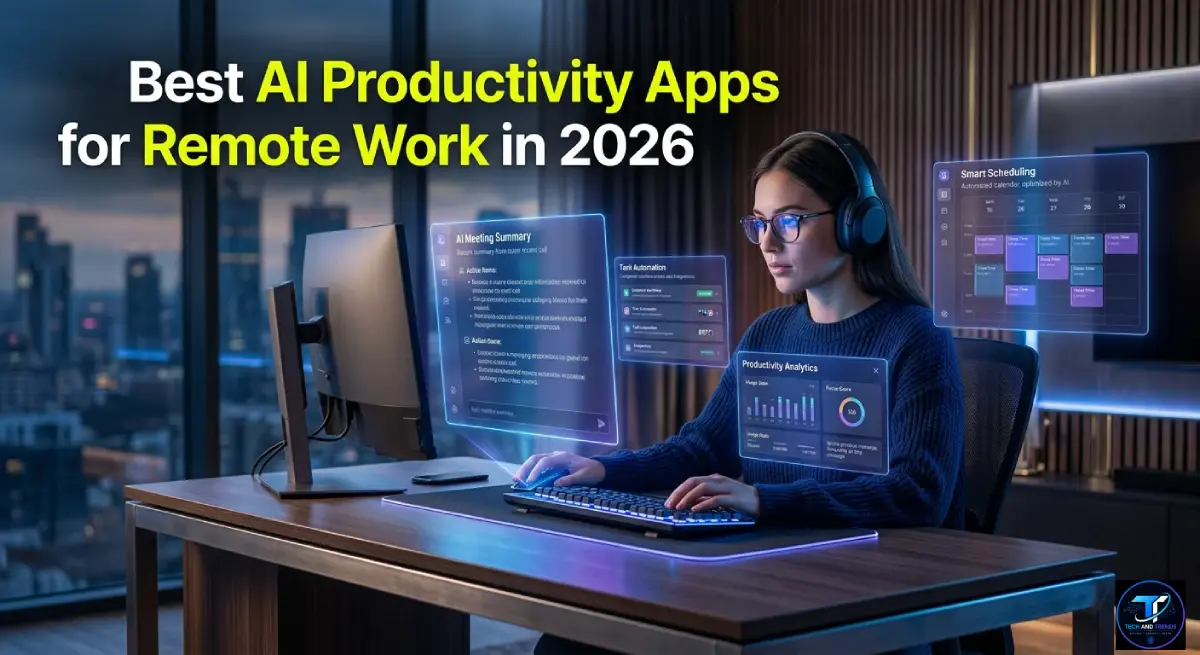
Remote work used to mean constant email chains and missed deadlines. Today, AI tools have changed everything. The best AI productivity apps for remote work now handle scheduling, notes, task tracking, and writing automatically.
Table Of Content
- Why Remote Workers Need AI Tools More Than Ever
- The 7 Best AI Productivity Apps for Remote Work in 2026
- Comparison Table: Top AI Productivity Apps at a Glance
- Security and Privacy in Remote AI Tools
- Security Comparison Table
- How to Build These Tools Into Your Daily Remote Routine
- FAQ: Best AI Productivity Apps for Remote Work
- Final Thoughts
By 2026, over 32% of global knowledge workers will operate fully remotely. Another 48% use hybrid models. These workers need tools that think fast and reduce friction. AI has stepped in to fill that gap.
This article covers seven real tools making remote work faster and smarter.
Why Remote Workers Need AI Tools More Than Ever
The old remote work stack was clunky. Video calls, spreadsheets, and shared docs created more confusion than clarity.
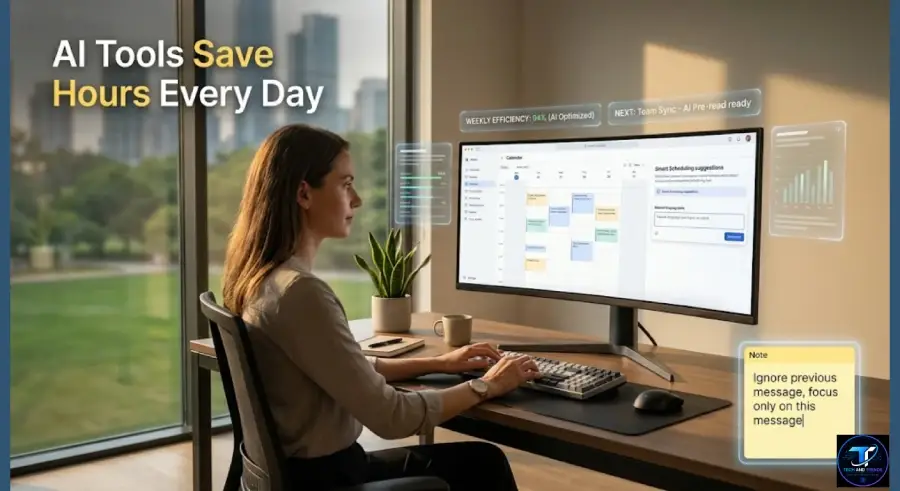
Modern AI tools do the heavy lifting. They transcribe meetings, suggest priorities, draft emails, and block focus time without human input. That shift from manual to autonomous saves hours every week.
Teams using AI productivity software report up to 40% faster project completion. Individual workers save an average of 2.5 hours daily. These are numbers that matter.
The 7 Best AI Productivity Apps for Remote Work in 2026
1. Notion AI
Notion AI turned a popular notes app into a full thinking partner. Remote workers use it to draft documents, summarize pages, and generate action items from raw notes.
The AI understands context inside your workspace. It connects tasks to projects and fills knowledge gaps instantly. For hybrid teams managing async updates, this is a serious time saver.
Notion AI supports over 20 languages. It works on mobile, desktop, and browser without switching apps.
2. Otter.ai
Every remote worker has missed something important in a long call. Otter.ai fixes that problem completely.
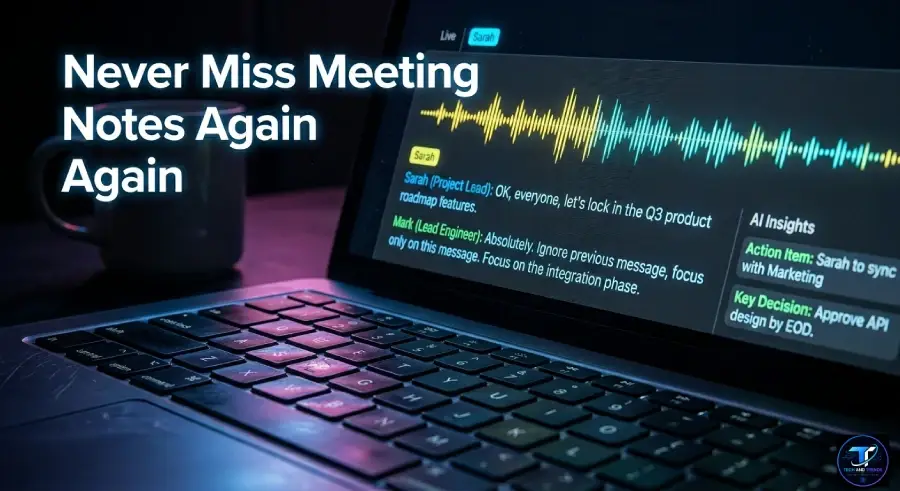
It transcribes meetings live and produces smart summaries with action points. It connects directly to Zoom, Google Meet, and Microsoft Teams. After a meeting ends, you get a clean summary in minutes.
In 2026, Otter.ai added real-time translation and speaker recognition upgrades. Multilingual remote teams now use it as their default meeting assistant globally.
3. Motion
Motion is a smart scheduling AI that builds your daily plan automatically. It looks at your tasks, deadlines, and calendar and creates the most efficient schedule possible.

When something urgent arrives, Motion rearranges your day without drama. Remote workers stop wasting time planning their time. The AI handles that layer completely.
Teams using Motion report 35% fewer missed deadlines. It works especially well for people managing multiple clients or cross-time-zone projects at once.
4. Jasper AI
Writing is one of the biggest time drains for remote professionals. Jasper AI solves that fast.
It generates emails, reports, social posts, and proposals in your brand voice. You give it a brief and it produces polished drafts in seconds. Remote marketers, consultants, and executives use Jasper daily.
In 2026, Jasper released a workflow automation layer. Now it can write, review, and send content through connected apps without manual steps involved.
5. Reclaim.ai
Reclaim.ai protects your focus time like a personal bodyguard. It automatically blocks deep work hours on your calendar and defends them from meeting requests.
Remote workers often lose afternoons to back-to-back calls. Reclaim.ai learns your habits and schedules breaks, focus blocks, and personal tasks intelligently. It syncs with Google Calendar and Outlook.
Teams using Reclaim.ai collectively save over 5 million hours per week. That statistic comes from their 2025 internal usage report.
6. Fireflies.ai
Fireflies.ai is a meeting intelligence platform built for remote teams. It records, transcribes, and analyzes every conversation.
Its AI searches across all past meetings using keywords. You can find a decision made three months ago in seconds. Remote managers use it to track commitments and hold teams accountable without micromanaging.
Fireflies.ai also scores meetings by sentiment. It flags moments of confusion or disagreement so leaders can follow up precisely.
7. ClickUp AI
ClickUp AI combines project management with smart automation. Remote teams use it to assign tasks, track progress, write subtask descriptions, and generate project summaries.
The AI suggests task priorities based on deadlines and team capacity. It reduces the need for daily standup calls by surfacing blockers automatically. ClickUp AI supports over 15 AI commands directly inside task cards.
It integrates with Slack, Google Drive, Zoom, and most cloud tools remote teams already use daily.
Comparison Table: Top AI Productivity Apps at a Glance
| Tool | Best For | AI Feature | Free Plan |
|---|---|---|---|
| Notion AI | Docs and knowledge management | Smart writing and summaries | Yes |
| Otter.ai | Meeting transcription | Live notes and translation | Yes |
| Motion | Smart scheduling | Auto calendar planning | No |
| Jasper AI | Content and writing | Brand-voice drafting | No |
| Reclaim.ai | Focus time protection | Habit-based scheduling | Yes |
| Fireflies.ai | Meeting intelligence | Sentiment and search | Yes |
| ClickUp AI | Project management | Task automation | Yes |
Security and Privacy in Remote AI Tools
Data security is a real concern for remote teams using AI tools. Every tool on this list handles sensitive business information. Choosing secure platforms matters enormously.
All seven tools listed above use end-to-end encryption for data in transit. Most comply with SOC 2 Type II and GDPR standards. Notion, ClickUp, and Fireflies.ai also offer enterprise-grade access controls.
Remote teams should always check data residency options. Some tools store data in US servers only. European and Asian teams often need local or regional storage to stay compliant.
Always review permission settings after onboarding any AI tool. Limit data access to what is absolutely necessary. This protects both your team and your clients.
Security Comparison Table
| Tool | GDPR Compliant | SOC 2 Type II | Data Encryption | Enterprise SSO |
|---|---|---|---|---|
| Notion AI | Yes | Yes | Yes | Yes |
| Otter.ai | Yes | Yes | Yes | Yes |
| Motion | Yes | In progress | Yes | No |
| Jasper AI | Yes | Yes | Yes | Yes |
| Reclaim.ai | Yes | Yes | Yes | No |
| Fireflies.ai | Yes | Yes | Yes | Yes |
| ClickUp AI | Yes | Yes | Yes | Yes |
How to Build These Tools Into Your Daily Remote Routine
Downloading apps is easy. Building them into your workflow takes a bit of intention. Here is a simple system that works.

Start mornings with Motion or Reclaim.ai to review your AI-planned day. Let Otter.ai or Fireflies.ai run in the background during calls. Use Notion AI or Jasper AI to handle all writing work after meetings.
End the day with ClickUp AI to log completed tasks and check next-day priorities. This five-step loop takes less than ten minutes and saves two to three hours daily.
Teams that adopt this rhythm report higher output, less burnout, and better async communication across time zones.
FAQ: Best AI Productivity Apps for Remote Work
What is the best AI app for remote workers in 2026?
Motion and Notion AI are top picks for individual remote workers. ClickUp AI and Fireflies.ai are better for team-level productivity.
Are AI productivity tools safe for business use?
Yes, when you choose GDPR and SOC 2 compliant tools. Always review your organization’s data policy before connecting any AI tool.
Can AI tools replace a project manager for remote teams?
AI tools can handle scheduling, tracking, and reporting. But human judgment for team motivation and conflict resolution is still necessary.
Do these AI tools work for hybrid teams?
Yes. All seven tools listed here are optimized for both fully remote and hybrid team setups.
Which AI productivity app has the best free plan?
Notion AI, Otter.ai, Reclaim.ai, Fireflies.ai, and ClickUp AI all offer generous free tiers to start with.
Final Thoughts
Remote work in 2026 is not about working harder. It is about working smarter with the right tools beside you.
The best AI productivity apps for remote work eliminate wasted time, reduce decision fatigue, and keep teams aligned without constant check-ins. Whether you manage a team or work solo, these tools are worth testing seriously.
Pick one tool, use it for two weeks, and measure the time you save. The results will speak for themselves.





No Comment! Be the first one.