





Company Intranet Guide: How to Build a Private Hub Your Employees Will Actually Use
A business intranet gives employees one private home for news, files, and tools. Learn the benefits, features, costs, and steps to launch one that people use.
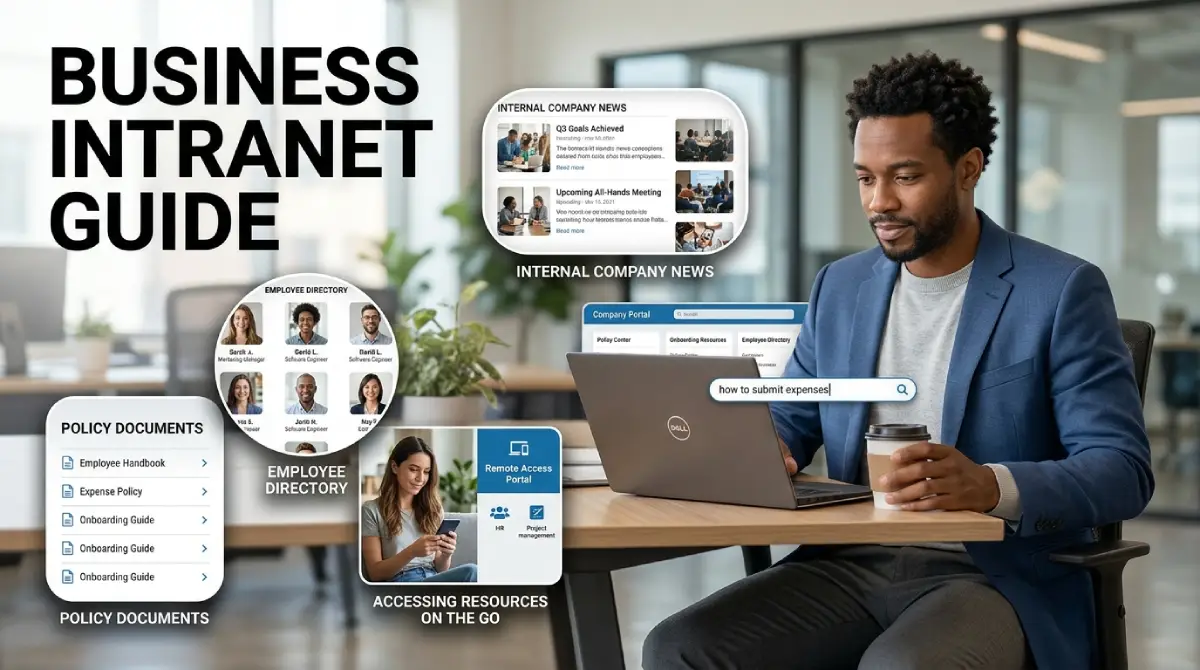
Picture a new hire on her first morning. She needs the leave policy, the brand logo, and the right person in finance. Without one shared place, she sends five messages and waits for replies.
Table Of Content
- What Is a Business Intranet?
- Intranet vs Internet vs Extranet
- Key Benefits of a Business Intranet for Your Team
- Features Worth Having in Your Intranet Platform
- Types of Intranet Software and Where to Start
- How to Plan and Launch a Business Intranet Step by Step
- Real Examples of How Companies Use an Intranet
- Questions to Ask Before You Pick a Platform
- What Does a Corporate Intranet Cost?
- Security and Access Control
- Common Mistakes That Make Employees Ignore the Intranet
- Content Ideas That Keep an Intranet Fresh
- Simple Ways to Get Employees Using It
- How to Measure Whether Your Intranet Works
- Final Thoughts
A business intranet solves that daily friction. It is a private online space where employees find news, files, tools, and each other. This guide shows how it works, which features matter, and how to launch one.
What Is a Business Intranet?
A business intranet is a private network or website that only your employees can access. Think of it as your company’s own small internet. It holds the information people need to do their jobs, all behind a login.
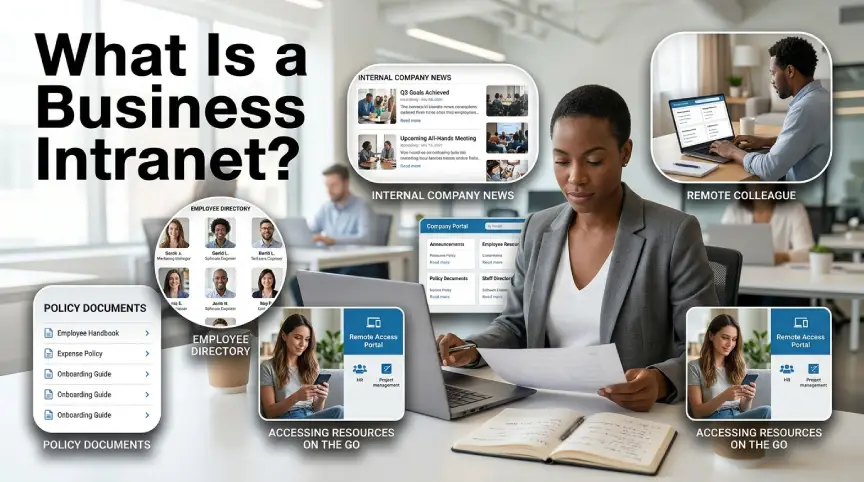
Years ago, most intranets lived on a server inside the office. Staff could only reach them from a desk on the local network. Today, a modern corporate intranet runs in the cloud and works on any phone or laptop.
Most teams use it for company news, policies, forms, directories, and shared documents. Some add chat, project boards, and training courses. The goal stays the same, which is one reliable home for internal communication.
Intranet vs Internet vs Extranet
People often mix up these three terms, so a quick comparison helps. The internet is open to everyone in the world. An intranet is closed and meant only for your staff.
An extranet sits in the middle. It gives outside partners, such as vendors or clients, limited access to selected pages. For example, a supplier might check order status without seeing HR documents.
Most companies start with an employee intranet first. They add extranet access later, only if partners truly need it. This keeps early projects small and easier to secure.
Key Benefits of a Business Intranet for Your Team
The biggest win is time. Staff stop hunting through email threads, chat history, and old shared drives. When files live in one searchable place, a five-minute search shrinks to seconds.
Communication improves too. Leaders can post updates once instead of sending the same message to every inbox. Employees see announcements in context, with links to related policies and forms.
Onboarding gets smoother. New hires get a checklist, team profiles, and key policies to read at their own pace. Managers spend less time answering the same basic questions.
Knowledge also stays put when people leave. Processes, templates, and lessons learned remain in the system instead of in one person’s head. That protects the company from sudden gaps after a resignation.
Remote and hybrid teams gain the most. A good intranet portal gives staff in different cities the same information at the same moment. Nobody feels left out because they sit far from headquarters.
There is a cost angle as well. Fewer printed handbooks, fewer lost documents, and fewer repeated questions all add up. Finance teams like that the savings show up in hours, not just dollars.
Features Worth Having in Your Intranet Platform
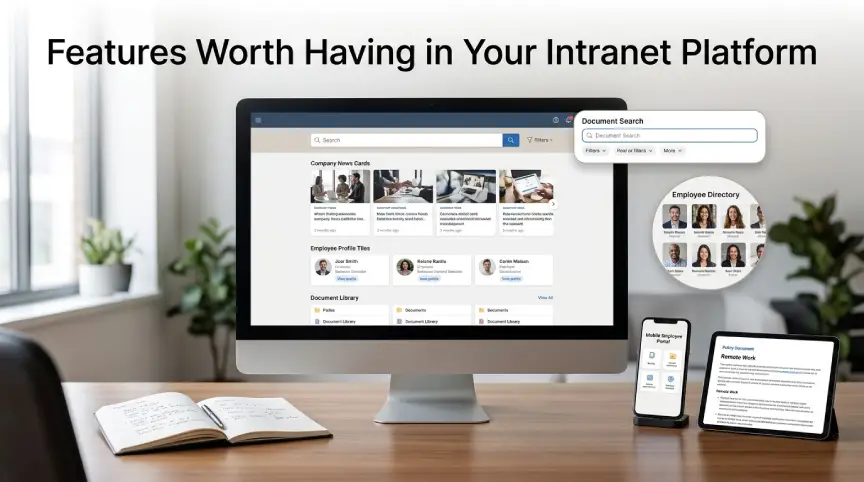
Not every feature is needed on day one. Start with the basics your staff will touch weekly, then grow from there. These are the features that matter most in practice.
- Search that finds files, people, and pages quickly, even with typos.
- A news feed where leaders and teams can post updates.
- An employee directory with photos, roles, and contact details.
- Document storage with version history and clear permissions.
- Mobile access, so field and shift workers are not left behind.
- Forms and workflows for leave requests, expenses, and IT tickets.
- Analytics that show which pages people read and which they skip.
Social tools like comments and reactions are a bonus. They help people feel connected, which keeps them logging in. Just keep them simple and moderated.
Types of Intranet Software and Where to Start
You have four main routes, and each suits a different budget. The right pick depends on team size, security needs, and technical skill. Let’s walk through them.
The first route is a suite you already own. Microsoft 365 includes SharePoint, which many companies use to build intranet sites. Google Workspace offers Google Sites for simple internal pages. These options are cost-friendly, and staff already know the login.
The second route is a wiki or knowledge tool, such as Confluence or Notion. They are great for documentation and team handbooks. They feel lighter than a full portal, though they offer fewer communication features.
The third route is dedicated intranet software. These products focus on news, engagement, and mobile apps for larger staff groups. They cost more, but they save setup time and include support.
The fourth route is a custom build by developers. It gives full control and deep integrations. It also needs ongoing maintenance, so it suits only companies with strong technical teams.
How to Plan and Launch a Business Intranet Step by Step
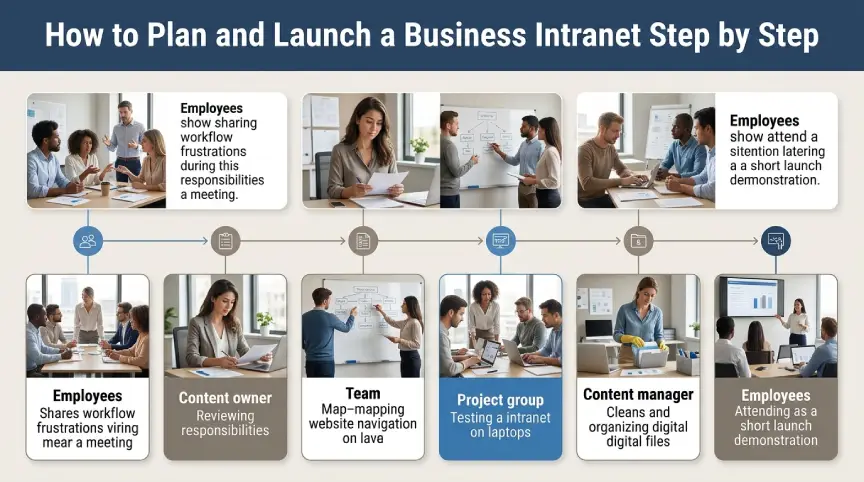
Start with the problem, not the tool. Ask staff what slows them down each week. Their answers will shape your must-have list and keep the project grounded.
Next, assign clear owners. Every section needs one person responsible for keeping it fresh. Without owners, pages go stale within months, and trust drops fast.
Then sketch the structure on paper. Group content the way employees think, such as People, Policies, Tools, and News. Avoid copying your org chart, because staff rarely search that way.
Pick your platform and run a small pilot with one department. Collect feedback for a few weeks and fix confusing menus. A pilot group also becomes your first set of champions.
Move content carefully before launch. Delete outdated files instead of copying everything over. A clean intranet feels trustworthy from the first click.
Finally, launch with a short announcement and a quick training session. Show people one task they can finish faster, like booking leave. Early wins build the habit better than long speeches.
Real Examples of How Companies Use an Intranet
A retail chain might post daily sales targets and store layout changes. Shop floor staff read them on their phones before opening. Managers stop sending long group texts at night.
A software firm might keep engineering guidelines and release notes in one place. New developers read them in week one. Senior staff answer fewer repeat questions, so they ship more code.
A hospital group might share shift rosters, safety notices, and training modules. Each role sees only what applies to it. That keeps pages simple and access tightly controlled.
A small agency of twenty people can keep it even simpler. One page for tools, one for policies, and one for weekly wins is enough. Size matters less than usefulness.
Questions to Ask Before You Pick a Platform
Ask how the tool handles search, because search drives daily use. Request a live demo with your own sample documents. A polished sales deck tells you very little.
Check integrations next. Your intranet should connect with your calendar, chat app, HR system, and file storage. Fewer manual steps mean fewer abandoned pages.
Ask about mobile apps, permissions, and reporting. Find out how easy it is for a non-technical manager to edit a page. If only developers can update content, pages will go stale.
Finally, ask about support and exit options. You should be able to export your content if you switch vendors later. Lock in clear terms before you sign.
What Does a Corporate Intranet Cost?
Costs vary widely, so set a budget range before you shop. Suite-based options often add little extra cost if you already pay for the licenses. Dedicated products usually charge per user each month.
Do not forget hidden costs such as content writing, training, and admin time. Someone must own the project, even part-time. Budget for that effort, or the platform will drift.
A custom build has the highest upfront cost and ongoing upkeep. Compare the total cost over three years, not just the first invoice. That view often changes which option wins.
Security and Access Control
An intranet holds sensitive material, so security must come first. Use single sign-on and multi-factor login where possible. Give each role access only to what it needs.
Review permissions every quarter, especially when people change teams or leave. Old accounts are a common weak spot. Turn off access the same day someone exits the company.
Keep software patched and encrypt data in transit and at rest. If you use a cloud vendor, check where data is stored and who can reach it. Ask for their security certifications in writing.
Common Mistakes That Make Employees Ignore the Intranet
The top mistake is launching a big portal with thin content. Staff visit once, find little, and never return. Start smaller and fill each page with real value.
Another mistake is poor search. If people cannot find the leave form in ten seconds, they will ask a coworker instead. Test search with real questions before launch.
Teams also forget the mobile experience. Warehouse, retail, and field staff rarely sit at desks. If your business intranet fails on phones, it fails those workers entirely.
Finally, many companies treat launch day as the finish line. In reality, it is the starting line. Plan monthly content reviews and keep updating the news feed.
Content Ideas That Keep an Intranet Fresh
Fresh content is the engine of any employee intranet. Share short leader updates, project wins, and customer stories each week. Add a rotating spotlight on one team so people learn what colleagues do.
Publish how-to guides for tasks like booking a meeting room or filing an expense. Short videos work well for these. Keep each one under three minutes so staff will actually watch.
Add a place for questions and answers. Employees can post a question, and subject experts reply for everyone to see. Over time, this becomes a searchable library of real advice.
Simple Ways to Get Employees Using It
Make it the only home for key information. If HR policies live only on the intranet, staff will not visit. Link to it from email signatures, chat channels, and onboarding messages.
Let leaders post in their own voice. A short note from the CEO feels more real than a polished memo. Celebrate birthdays, new hires, and team wins to add a human touch.
Reward useful contributions as well. Give small shout-outs to teams that keep their pages fresh. Recognition costs nothing and keeps content alive.
How to Measure Whether Your Intranet Works
Pick a few simple numbers and track them monthly. Look at active users, search success, and the most visited pages. Also watch how many support tickets drop after launch.
Numbers only tell half the story, so ask people directly. A short survey every quarter can reveal confusing pages and missing tools. Share what you changed, so staff see that feedback matters.
Final Thoughts
A strong intranet does not need fancy design or a huge budget. It needs clear owners, fresh content, solid search, and a real purpose. Start small, listen to your staff, and improve in steady steps.
If your teams still lose time hunting for answers, a business intranet is worth the effort. Pilot it with one department this quarter and see what changes. Small steps now can save everyone hours later.





No Comment! Be the first one.