





Ollama or llama.cpp? Pick the Right Local AI Engine for Your PC, Mac, or Server in 2026
Ollama and llama.cpp run the same local models, but they feel very different. See which one fits your skills, hardware, and goals.
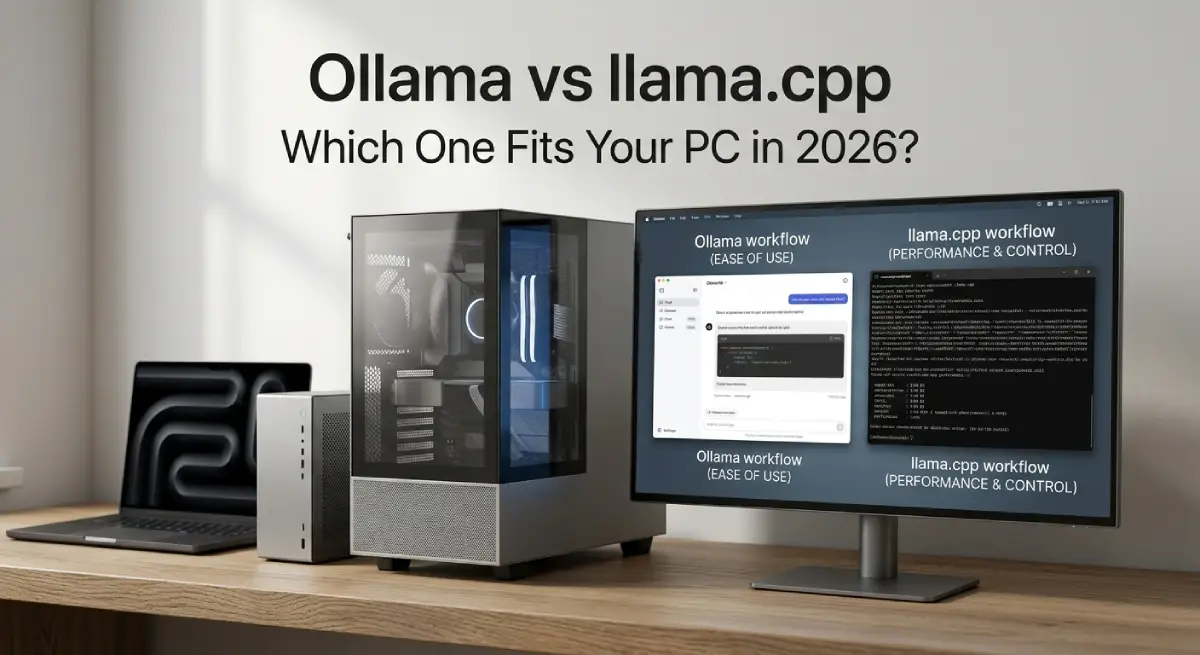
Ollama or llama.cpp? Choose Ollama if you want local AI running in two minutes. Choose llama.cpp if you want full control and the newest features first. That is the short version of Ollama vs llama.cpp.
Table Of Content
- Ollama vs llama.cpp at a Glance
- How the Two Tools Are Connected
- Setup Compared: Minutes Versus an Afternoon
- Control and Settings: Where llama.cpp Pulls Ahead
- What Ollama Does Better Than llama.cpp
- Speed: What Really Changes Between the Two
- Hardware Notes for Local Runs
- Which One Should You Pick?
- Moving From Ollama to llama.cpp Without Losing Models
- Running Ollama vs llama.cpp for a Team or Server
- Updates and Maintenance Without Surprises
- Four Slip-Ups That Slow Down Local AI Runs
- Quick Answers About Ollama vs llama.cpp
- Stop Guessing and Start Running Local AI Your Way
Many beginners think these are rival tools, but they are not. Ollama is built on top of llama.cpp. So you are really choosing between a ready-made package and the raw engine. Your skill level and goals decide the winner.
This guide covers setup, settings, speed, and migration. You will also get a simple way to test both on your own machine. New to the topic? Our guide to what AI is is a good warm-up.
Ollama vs llama.cpp at a Glance
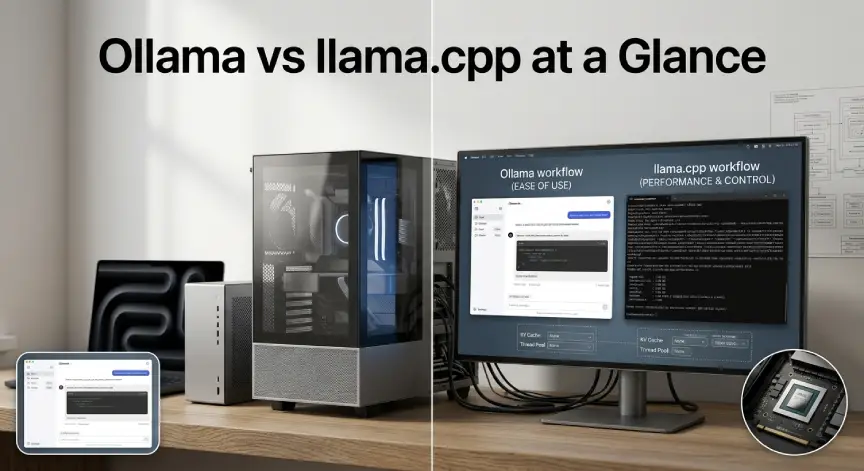
The table below answers the most common questions fast. Read it first. Then jump to the section that matches your situation.
| Question | Ollama | llama.cpp |
|---|---|---|
| Setup time | A few minutes | Longer, more steps |
| Interface | Terminal, desktop app, local API | Terminal tools, local server, simple chat page |
| Settings | Few, with safe defaults | Almost every option exposed |
| Model source | Curated library plus GGUF import | Any GGUF file, even straight from Hugging Face |
| New model support | Usually follows later | Often arrives first |
| Best for | Beginners and app builders | Tinkerers and power users |
Think of Ollama as an automatic car. Think of llama.cpp as a manual car. Both get you there, but only one lets you shift gears yourself.
How the Two Tools Are Connected
llama.cpp is an open-source C and C++ project that runs language models on everyday hardware. It reads models in the GGUF format. It works on CPUs, Nvidia cards, AMD cards, and Apple chips. You can browse the code on its official GitHub page.
Ollama started as a friendly wrapper around that engine. It adds a model library, a background service, and a simple API. It has also begun adding engine work of its own for some models and platforms.
This link explains why Ollama vs. llama.cpp feels like a close race. Both use the same model format and many of the same speed tricks. The real difference is how much the tool decides for you.
Setup Compared: Minutes Versus an Afternoon
Ollama wins on setup. You install it, open a terminal, and type ollama run llama3.2. The model downloads and a chat starts. Most people finish in under five minutes.
llama.cpp takes a few more steps. You can grab a prebuilt release or use a package manager like Homebrew. Then you download a GGUF file. Start the server with a command like llama-server -m model.gguf -ngl 99 -c 8192.
Do not let this scare you. Once the server runs, it offers a local chat page and an API on port 8080. Many tools that expect an OpenAI-style API can connect to it right away.
Control and Settings: Where llama.cpp Pulls Ahead
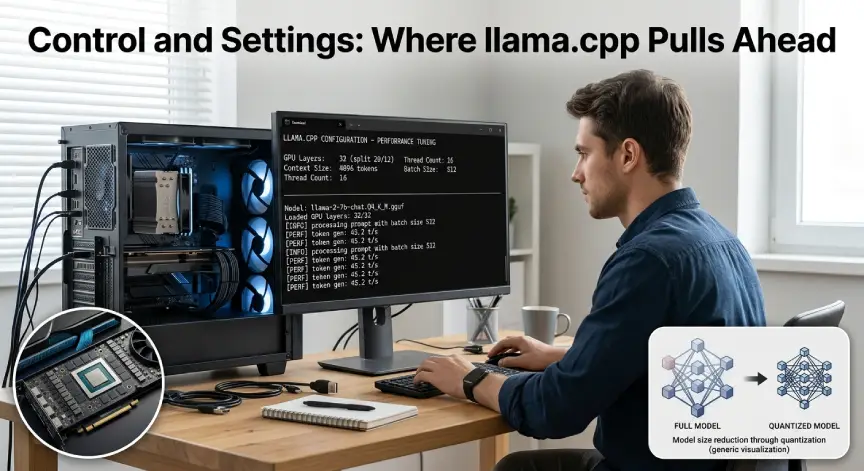
llama. cpp exposes almost every knob. You choose how many layers go to the GPU with the ngl flag. You set context size, thread count, batch size, and cache type. Each choice changes speed and memory use.
This matters most on small graphics cards. If a model barely fits, moving a few layers to the CPU can save the run. Ollama makes many of these choices for you, which is helpful until it guesses wrong.
llama.cpp also ships extra tools. One is llama-bench for timing tests. Another is llama-quantize for shrinking models into smaller files. These are useful when you want to learn how local models behave.
New model support often lands in llama.cpp first. Ollama usually follows after its own testing. If you want a brand new model on release day, llama.cpp is the safer bet.
What Ollama Does Better Than llama.cpp
Ollama shines at everyday convenience. It pulls models by name, tracks versions, and removes them with one command. You never hunt for the right file on Hugging Face.
It also runs quietly in the background. It loads a model when a request arrives. It unloads it after about five minutes of silence. That frees memory for your other apps without any work from you.
Ollama has a wide circle of friends too. Chat apps, editor plugins, and automation tools often list it as the default local option. That support saves hours when you build a real project.
Custom setups are easy through a Modelfile. You set a system prompt, a temperature, and a base model in one small text file. Teams like this because the file is easy to share.
Speed: What Really Changes Between the Two
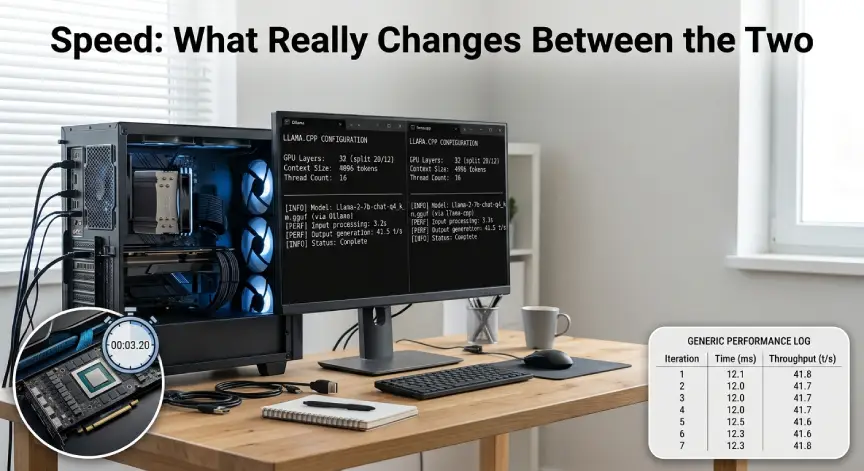
People ask which tool is faster. The honest answer is that results vary by model, chip, and settings. Both use the same core ideas, so large gaps usually come from configuration, not magic.
With llama.cpp you can tune every setting for your card. That can win a few extra tokens per second. With Ollama you trade a little of that for safe defaults and less setup.
Do not trust a random chart. Test your own machine instead. Run ollama run llama3.2 --verbose to see the eval rate. Then use llama-bench on the same model and quantization level.
Keep the context size and the prompt identical in both tests. Write the numbers down. Your own results will beat any benchmark you read online.
Hardware Notes for Local Runs
Both tools care most about memory. A graphics card with more video memory lets you run bigger models fast. Planning a build? Our budget gaming PC guide shows which setups give the best value.
Apple Silicon Macs share one memory pool, which helps a lot. Plain CPU runs work too, but they feel slow on big models. Start with a smaller model and move up when you are happy.
Disk space matters too. Model files range from a few gigabytes to dozens. Watch your free storage if you keep copies for both tools.
Which One Should You Pick?
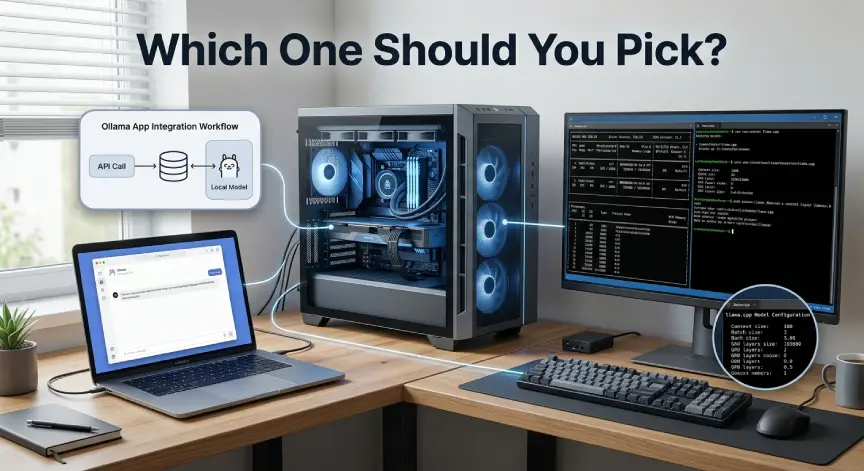
The Ollama vs. llama.cpp choice gets easy once you name your goal. Each rule below maps to a real situation. Use the ones that fit you:
- Pick Ollama if you are new or want a fast start.
- Pick Ollama if you are building an app that calls a local API.
- Pick llama.cpp if you want exact control over memory and speed.
- Pick llama.cpp if you need new model support on day one.
Coders have a special case. Both tools work well with coding models. Our list of the best open-source local LLMs for coding shows which ones to try. Start there before you decide.
Projects that search your own files add another factor. The engine matters less than your retrieval setup. Our guide to retrieval-augmented generation explains that part clearly.
Prefer a desktop app over a terminal? Read our Ollama and LM Studio comparison next. It covers a different pair of tools and a very different style of use.
Moving From Ollama to llama.cpp Without Losing Models
Many people start with Ollama and later want more control. You do not need to start over. Your models are not locked in.
Ollama stores models as GGUF-based files on your disk. Run ollama show --modelfile and the FROM line points to the file. In many cases, you can pass that path to llama.cpp with the model flag.
The cleaner path is to download the same GGUF from Hugging Face. Pick the same quantization level so the test is fair. Then start llama-server and compare the answers.
Keep both tools installed for a week. Use Ollama for daily chat and llama.cpp for experiments. Keep whichever one you open more often.
Running Ollama vs llama.cpp for a Team or Server
Shared setups change the story. Both tools can handle several requests at once. Ollama uses the OLLAMA_NUM_PARALLEL setting, while llama-server uses its parallel flag.
Ollama is easier to keep tidy on a shared box. Everyone pulls models by name, and the service manages loading and unloading. llama.cpp suits a fixed setup where one model serves one job. You choose the file, the context, and the slots, then leave it running.
Security needs care in both cases. Keep the server bound to localhost unless you truly need network access. If you open it to a team, put a login or a reverse proxy in front.
Updates and Maintenance Without Surprises
Ollama updates itself through its app on most systems. That is handy, but a new release can change defaults. Read the release notes before you update a machine that people depend on.
llama.cpp moves very fast. New builds arrive almost daily, and fixes land quickly. Pin a known good release for work that matters, and test new builds on the side.
Four Slip-Ups That Slow Down Local AI Runs
Mixing quantization levels is the classic trap. A smaller file runs faster but may answer worse. Match the level on both tools before you judge speed or quality.
Accidental CPU runs come next. In llama.cpp, this happens when you forget the ngl flag. In Ollama, it can happen when the card lacks enough memory. If answers crawl, check where the model loaded.
Oversized context is another quiet drag. Long context eats memory and slows replies. Raise it only when a task needs it.
Finally, watch your network exposure. Local servers often have no password, so treat the port like a private door. Close it to everyone except you.
Quick Answers About Ollama vs llama.cpp
Is Ollama just llama.cpp with a nicer face?
Mostly at the core, yes. Ollama adds model management, a background service, and an easy API on top. It also has some engine work of its own for certain models.
Can llama.cpp run the same models as Ollama?
Yes, in most cases. Both read GGUF files. A model in the Ollama library usually has a matching GGUF on Hugging Face.
Which one is better for beginners?
Ollama. It needs fewer steps and hides complex settings. You can move to llama.cpp later when you want more control.
Do I need an internet connection?
Only for the first download of the tool and the model. After that, both run fully offline on your own machine.
Is llama.cpp hard to install on Windows?
Not anymore. Prebuilt releases and package managers cover most setups. You only need to build from source for special hardware options.
Does one use less memory?
Memory use depends mostly on the model, quantization, and context size. llama.cpp lets you tune more of these settings, so it can fit tighter hardware.
Stop Guessing and Start Running Local AI Your Way
You now know the real split. Ollama gives you speed to start. llama.cpp gives you control to finish. The Ollama vs. llama.cpp question is a tool choice you can change in an afternoon.
Run one real question through both tools and compare the replies side by side. Note the speed, the tone, and the mistakes. That small test will settle the debate for your own machine.




No Comment! Be the first one.