




Smartwatch for iPhone and Android: Which Watches Work With Your Phone in 2026?
Not every smartwatch works with every phone. This guide checks official pages from Apple, Google, Samsung, Garmin, and Fitbit, so you can match a watch to your iPhone or Android phone and avoid a...
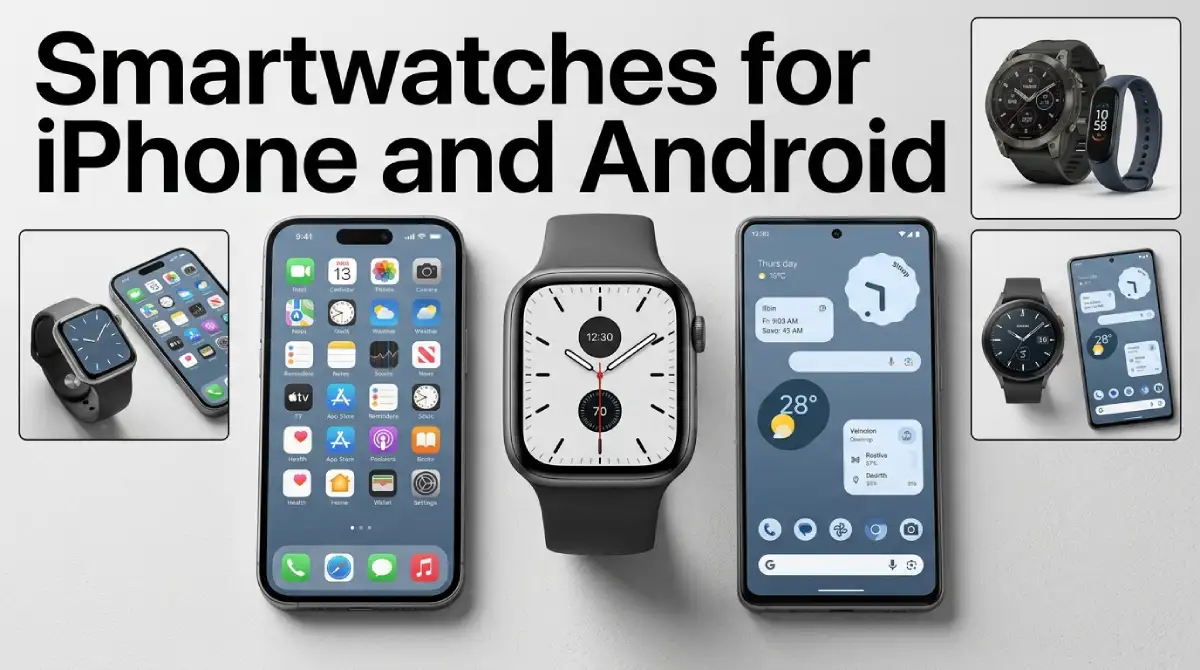
Your phone decides your watch. The Apple Watch works only with an iPhone. The Pixel Watch and Galaxy Watch8 only work with Android. Want one smartwatch for iPhone and Android? Garmin and Fitbit list both. I checked each maker’s official pages in October 2026, so the details below are current.
Table Of Content
- Which Smartwatches Work With Both iPhone and Android?
- Apple Watch: Great if You Carry an iPhone
- Pixel Watch 5 and Galaxy Watch: Android Only
- Garmin Venu 4: The Premium Pick for Both Phones
- Fitbit Charge 6: A Cheaper Band for Either Phone
- Do Watch Features Change Between Phones?
- How Do You Choose the Right Smartwatch for Your Phone?
- What Happens if You Switch Phones Later?
- Common Smartwatch Buying Mistakes
- Frequently Asked Questions
- Your Phone Picks the Watch: The Quick Verdict
That sounds simple, but it’s easy to get it wrong. A watch looks great on the store shelf, but its app won’t install on your phone. You can avoid that problem. A quick compatibility check saves money and frustration. The table below gives the quick answer, and the sections after it cover each option.
Which Smartwatches Work With Both iPhone and Android?
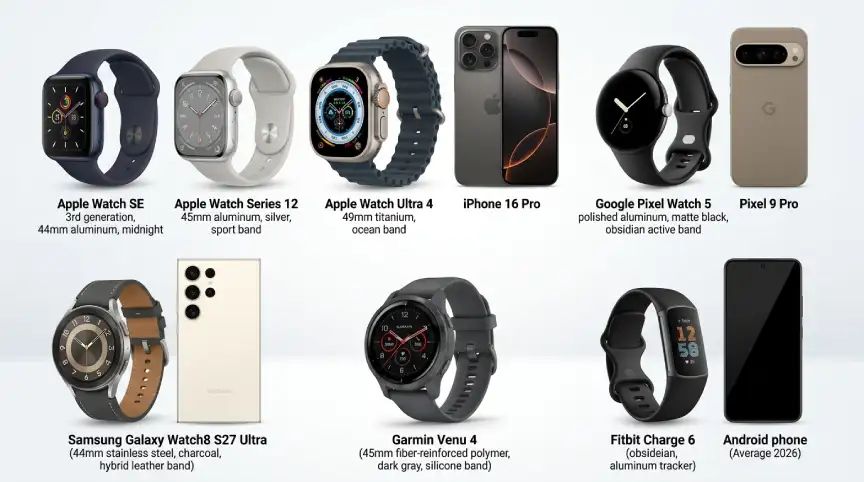
Not many do. Apple, Google, and Samsung build their newest watches around one platform. Garmin and Fitbit go the other way and list support for both phone types. A true smartwatch for iPhone and Android is still rare among the big names.
| Watch | Works with iPhone | Works with Android | Phone requirement |
|---|---|---|---|
| Apple Watch SE 3, Series 12, Ultra 4 | Yes | Not listed | iPhone 11 or later, iOS 27 or later |
| Google Pixel Watch 5 | No | Yes | Android 12 or newer |
| Samsung Galaxy Watch8 | No | Yes | Android 12 or higher |
| Samsung Galaxy Watch9 | Not mentioned | Yes | See Samsung’s product page |
| Garmin Venu 4 | Yes | Yes | Compatible iPhone or Android phone |
| Fitbit Charge 6 | Yes | Yes | iOS 16.4 or later, Android 11 or later |
I checked these details in October 2026, and they can change. Software requirements climb with every new watch generation. Your phone has to keep up, so look up your exact model on the maker’s page.
Apple Watch: Great if You Carry an iPhone
Apple’s current lineup is the Series 12, the Ultra 4, and the SE 3. Apple’s watch page lists an iPhone 11 or later with iOS 27 or later as required. It names no other phone type. So if you’re on Android, this one is off the table.
The SE 3 is the value model. The Ultra 4 targets sports and outdoor use. Apple markets the Series 12 as its most complete health model. Health readings on any watch are for wellness, not medical advice.
Older iPhones are the catch. An iPhone older than the 11 won’t meet the requirement. If your phone is a few years old, check it before you fall for the watch.
Pixel Watch 5 and Galaxy Watch: Android Only
Google launched the Pixel Watch 5 in August 2026, and its store lists it from $399.99. It works with most phones on Android 12 or newer. Google’s compatibility page says iPhones aren’t supported. You’ll also need a Google Account and the Pixel Watch app.
Samsung’s Galaxy Watch8 follows the same rule. Samsung Canada’s support page says Galaxy Watch8 and Watch8 Classic need Android 12 or higher. They don’t work with iPhones because they rely on Google Play services, which iOS doesn’t support. The newer Galaxy Watch9 starts at $379.99 on Samsung’s US page, which doesn’t mention iOS.
Both families stop at the iPhone, and that matters if you ever switch. A Pixel Watch or Galaxy Watch8 won’t pair with an iPhone later. If a switch is even possible, think ahead before paying.
Garmin Venu 4: The Premium Pick for Both Phones
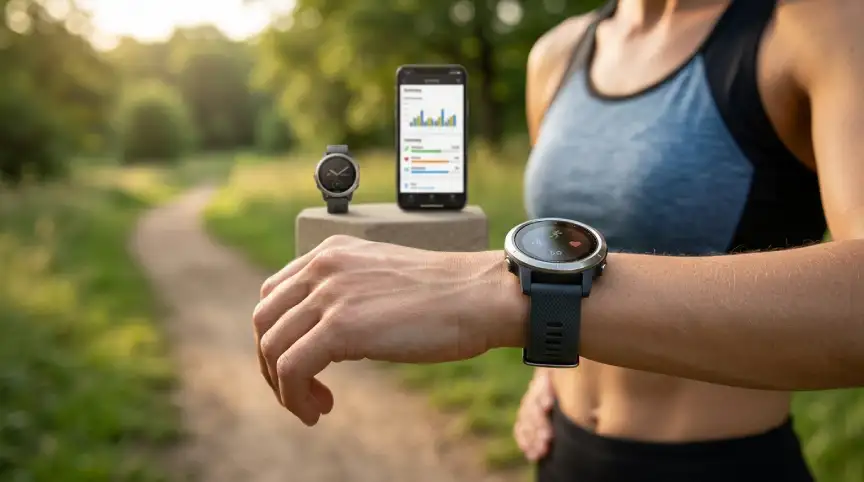
Garmin’s launch release says the Venu 4 pairs with a compatible iPhone or Android phone. Calls, texts, and voice features work with either. It comes in 41mm and 45mm, and Garmin lists up to 12 days in smartwatch mode. Launch pricing started at $549.99.
That battery rating is the big draw. A watch that runs for more than a week means fewer charging chores. It may also suit anyone who switches between an iPhone and an Android phone. Garmin’s release describes coaching plans that run through the Garmin Connect app.
The price is the downside of this smartwatch for iPhone and Android. A $549.99 launch price is far above a basic fitness band. Garmin’s release doesn’t say whether any coaching plan costs extra. Ask that question before you buy.
Fitbit Charge 6: A Cheaper Band for Either Phone
Google’s store says the Charge 6 needs iOS 16.4 or later, or Android 11 or later. You run it through the Google Health app. It lists at $159.95 with a battery rating of up to 7 days. Keep in mind it’s a fitness band, so it has fewer smartwatch features.
You’ll need a Google Account, and Fitbit users must move to one. Google also warns that some phones can have trouble even when they meet the requirements. The band is water-resistant to 50 meters but isn’t waterproof. Its readings are for wellness tracking, not medical advice.
Do Watch Features Change Between Phones?
Compatibility is only the first hurdle. Features can still depend on your phone’s software. Samsung’s Galaxy Watch9 page ties features like Vitals and Energy Score to Android 13 or above. Some of them also need the Samsung Health app and a Samsung account.
Garmin shows a different side of the same issue. Garmin’s release says some voice commands work without a phone. Starting a run and setting a timer are two examples. Calls and texts work when the watch is paired with a compatible phone.
None of this changes the main rule. Pick the phone type first, then read the feature list for that phone. Health features on these watches are for wellness, not medical advice.
How Do You Choose the Right Smartwatch for Your Phone?
Start with the phone you have right now. iPhone owners can pick from Apple, Garmin, and Fitbit. Android owners can pick from Google, Samsung, Garmin, and Fitbit.
Then think about your next phone. If a switch is possible, a smartwatch for iPhone and Android lowers your risk. A single-platform watch has to be replaced when you change platforms. That cost belongs in your budget.
Battery life comes next. Google rates the Pixel Watch 5 at up to 30 hours with the always-on display. Garmin lists the Venu 4 at up to 12 days in smartwatch mode. Those are manufacturer figures, so your own numbers will vary.
Fit matters too. The Pixel Watch 5 and Venu 4 both come in 41mm and 45mm. If you can, try one on in a store. A watch that feels wrong on your wrist ends up in a drawer.
What Happens if You Switch Phones Later?
Going from Android to iPhone is where single-platform watches hurt. A Pixel Watch or Galaxy Watch8 won’t pair with an iPhone. An Apple Watch won’t move to Android either, since Apple requires an iPhone.
Garmin and Fitbit give you more room, since both list iPhone and Android support. Account and data steps differ by brand. Read the maker’s help pages before you switch. Back up your data first.
Planning a phone upgrade too? Our Mobiles section covers that side of the decision. Pick the new phone and the watch together if you can.
Common Smartwatch Buying Mistakes
The biggest mistake is assuming any watch works with any phone. Pixel Watch and Galaxy Watch8 don’t support iPhones, and Apple Watch needs one. A real smartwatch for iPhone and Android says so in its own documents. Look for that line before checkout.
Software versions catch people out too. Apple’s current watches need iOS 27, and the Pixel Watch 5 needs Android 12. A phone that can’t update to those versions may fall short. You can check yours in the phone’s settings.
Used and older models carry their own risk. Samsung’s page lists iPhone support only for older models, like the original Galaxy Watch. Those watches are old, so ask about software support first. A low price can hide a short life.
Subscriptions are the last trap. Google’s compatibility page says some features need a paid Google Health subscription. Read which features sit behind a plan. Garmin’s release leaves its coaching plan costs unstated.
Frequently Asked Questions
Can you use an Apple Watch with an Android phone?
Not officially. Apple’s current watch pages list an iPhone as the required phone. Its setup guide covers pairing through an iPhone only. On Android, look at a Pixel Watch, a Galaxy Watch, a Garmin, or a Fitbit.
Does the Pixel Watch work with an iPhone?
No. Google’s compatibility page says iPhones aren’t supported. You need an Android phone, a Google Account, and the Pixel Watch app.
Can a Galaxy Watch work with an iPhone?
Not the Galaxy Watch8. Samsung says it relies on Google Play services, which iOS doesn’t support. Only older models list iPhone support.
Which smartwatch works with both iPhone and Android?
A smartwatch for iPhone and Android is easiest to find at Garmin and Fitbit. The Venu 4 and Charge 6 both list support for both phone types. The Charge 6 is a band, so it has fewer smartwatch features.
What is the cheapest option on this list?
The Fitbit Charge 6 costs the least at $159.95 on Google’s store as of October 2026. It trades smartwatch features for that lower price. Compare current listings, since prices move.
Do I need to check my phone’s software version?
Yes. Apple’s current watches need iOS 27 or later. The Pixel Watch 5 needs Android 12 or newer. The Charge 6 needs iOS 16.4 or Android 11. Update your phone first if it falls short.
Your Phone Picks the Watch: The Quick Verdict
If you carry an iPhone, buy an Apple Watch. On Android, look at the Pixel Watch 5 or a Galaxy Watch. If your phone plans are shaky, pick the Garmin Venu 4 or Fitbit Charge 6.
A smartwatch for iPhone and Android is safer when your next phone is uncertain. Check the phone requirement first, then the battery rating, then the price. That order saves you the most trouble.
More wearable and gear guides are on the way. Follow our Wearables and Gadgets sections to catch them. Prices and software rules change fast, so recheck the maker’s page before paying.




No Comment! Be the first one.