





How to Manage Gym Members, Payments, and Renewals Without Spreadsheets or Stress
Tired of spreadsheets and missed payments? See what a membership system should do, which features matter, and how to choose one with confidence.
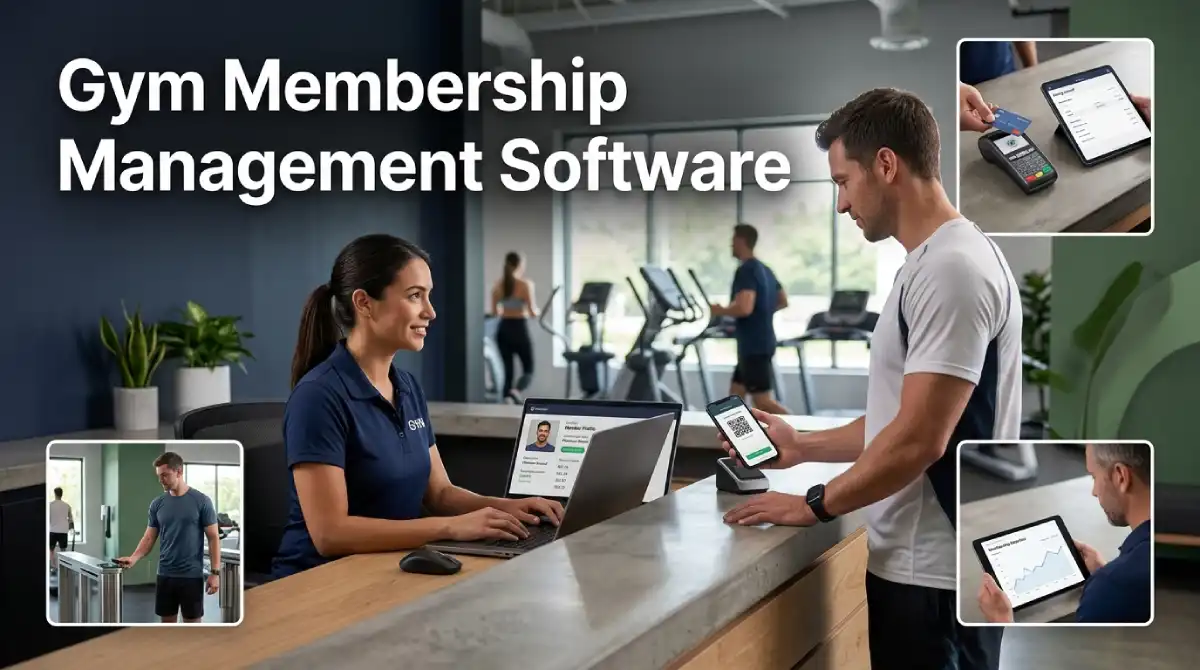
Running a gym is easier when every member record lives in one place. Gym membership management software gives you that place. It tracks sign ups, plans, payments, and visits without a single spreadsheet. This guide explains how it works and what to look for.
Table Of Content
- What Gym Membership Management Software Actually Does
- Membership Plans Your System Should Support
- Sign Up and Onboarding That Members Finish
- Contracts, Freezes, and Cancellations
- Billing, Failed Payments, and Revenue Records
- Check In and Access Control
- Member Self Service and the Mobile App
- Connecting Membership Data to Your Other Tools
- Member Data and Privacy
- Reports That Show Who May Leave
- Questions to Ask Before You Choose a Vendor
- Setup Mistakes That Cost Gyms Money
- Frequently Asked Questions
- Putting Your Member Records in Order
Membership numbers keep climbing worldwide. The Health & Fitness Association found that membership rose 6 percent on average between 2023 and 2024. That finding covers countries with comparable data. More members also mean more contracts, payments, and manual errors.
This guide is part of our wider series on fitness management software. It zooms in on the member side of the business. We have separate guides on billing, booking, and hosting.
What Gym Membership Management Software Actually Does
Gym membership management software handles the full member lifecycle. That life starts with a sign-up and ends with a renewal or cancellation. Along the way, the system stores the plan, contract, payment method, and visit history. Staff see the whole picture on one screen.
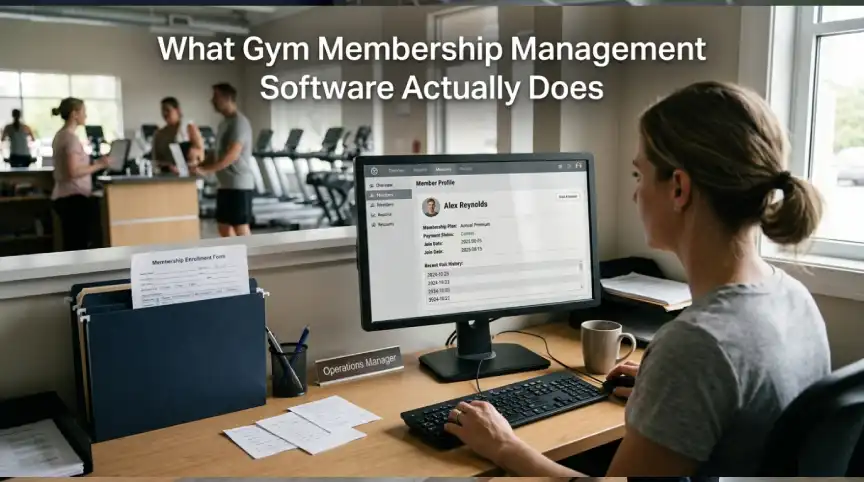
Think of it as a digital file for each person who walks through your door. Without it, details sit in emails, paper forms, and chat threads. Staff waste time hunting for answers, and members notice the delay. A single record removes that friction.
It also differs from broader gym platforms. A full platform may add payroll, retail, and marketing tools. A membership tool focuses on people and plans. Many gyms start here and add extras later.
Most of these tools now run online. We explain the pros and cons in our guide to cloud-based gym management software. Read it if you are unsure whether hosted tools suit your site.
Membership Plans Your System Should Support
Gyms sell many kinds of plans. Your software must handle each one without workarounds. Test every plan type during a demo.
Monthly plans are the most common. The system should bill on the same date each cycle and prorate the first month. It should also manage price changes for new and old members separately. Grandfathered rates are a common request.
Class packs and drop-in passes work differently. Members buy a set number of visits and use them over time. The system must count each visit and warn members before the pack runs out. Expiry dates should be easy to set.
Family and corporate plans add more detail. One payer may cover several people, each with a separate check-in. Companies may pay in bulk for a group of staff. Good software links these records without confusion.
Trial and intro offers bring in new members. A seven-day pass or a first month discount should convert into a paid plan automatically. Manual follow-up often fails during busy weeks. Automation protects that early revenue.
Sign Up and Onboarding That Members Finish
A long sign-up form loses people. Online joining should take a few minutes on a phone. Members choose a plan, add a card, and sign a waiver in one flow. Staff then receive the new profile without typing anything.
Digital waivers matter for safety and for your records. Each signed form is time-stamped and stored with the member profile. You can find it in seconds if a question comes up later. Paper forms rarely offer that speed.
Onboarding does not end at the form. A welcome message, a first class suggestion, and a short tour build early habits. Early visits help members build the habit of coming back.
Contracts, Freezes, and Cancellations

Contract rules cause more member complaints than almost anything else. Software should store each rule clearly and apply it the same way every time. That includes minimum terms, notice periods, and fees. Fair and consistent handling protects your reputation.
Freezes are a good example. A member may pause for travel, injury, or a busy season. The system should set start and end dates, then restart billing on its own. Manual restarts are easy to forget and cost real money.
Cancellations need care too. Local consumer rules differ, so check what applies where you operate. Make the process easy to follow and keep a clear record of each request. Easy exits can even bring members back later.
Billing, Failed Payments, and Revenue Records
Billing is where gym membership management software earns its price. Recurring charges should run on schedule without staff action. Failed cards should trigger smart retries and polite reminders. Members should update card details in an app, not at the front desk.
Payment security deserves attention. The PCI Security Standards Council publishes a Guide to Safe Payments for small merchants. It explains why card data attracts criminals and how encryption lowers the risk. Ask your vendor how it handles card data before you sign.
Clean revenue records also save hours at month-end. Reports should show paid, pending, failed, and refunded amounts in one view. Accountants love tidy exports. Some owners pair these records with AI agents for automated bookkeeping to speed up reconciliation.
Check In and Access Control
Check-in links your membership data to the real world. Members may scan a QR code, tap a card, or use a fob. The system confirms the plan is active and logs the visit. Expired or frozen plans can be blocked at the door.
Door access needs a reliable connection to the member database. Ask what happens if the internet drops. Some systems keep a local copy that syncs later. Test this during your trial week.
Visit logs also build useful data. You can see peak hours, quiet days, and members who stopped coming. That information guides staffing and class schedules. It is also the base for retention work.
Member Self Service and the Mobile App
Members want to handle simple tasks alone. A good app lets them book classes, update cards, and freeze a plan. Each task done by the member is one less call to your desk. Staff time then goes to real conversations.
The app also acts as a digital membership card. It shows the plan, the next billing date, and recent visits. Clear information reduces billing disputes before they start. Members trust what they can see.
Push messages bring extra value. You can announce a new class, a holiday schedule, or a plan upgrade. Keep messages rare and useful, or members will mute them. Quality matters more than volume.
Connecting Membership Data to Your Other Tools
A membership system works best when it talks to your other tools. Accounting software should receive sales data without retyping. Email tools should pull member lists by plan or visit habits. Each link removes a manual step and a chance for error.
Ask for a list of ready-made integrations before you sign. Check whether an open connection method exists for custom needs. Vendors sometimes charge extra for these links. Add that cost to your yearly budget.
Test one integration during your trial. Send a sample sale to your accounting tool and confirm that it lands correctly. Small tests expose big problems early. Fix them before real members are involved.
Member Data and Privacy
Gym membership management software holds contact details, health notes, and payment records. Treat that data as a serious duty. Limit who can view or edit each field. Trainers rarely need billing details, and front desk staff rarely need health notes.
Ask about two-step login, activity logs, and regular backups. Ask how fast the vendor reports a problem if one occurs. Our guide to data breach cost for small business shows why these answers matter. One incident can cost far more than a year of software fees.
Reports That Show Who May Leave
Good reports go beyond headcount. Look for views on new joins, cancellations, freezes, and average membership length. Compare them by plan type and by month. Patterns appear quickly when data sits in one place.
Early warning signs are the most valuable. A member who stops visiting for three weeks may be about to cancel. The system can flag that person for a friendly call or message. A short check-in often saves the membership.
Keep the reports simple enough for your team to read. A dashboard nobody opens is wasted money. Our overview of business technology shows how simple tools support daily decisions. Choose a view that managers can scan in two minutes.
Questions to Ask Before You Choose a Vendor
Demos of gym membership management software can feel smooth even when daily use is not. Bring a short list of tough questions. The answers reveal how the vendor treats real problems.
- Can I import my current member list, and who does the cleanup?
- How are failed payments handled, and who sees the alerts?
- Can members freeze or change plans without calling the front desk?
- What do reports show, and can I export them?
- What fees apply beyond the monthly price?
- Can I take all my data with me if I leave?
Write the answers down for each vendor. Compare them side by side after the demos. Gaps become obvious on paper.
Setup Mistakes That Cost Gyms Money
The most common mistake with gym membership management software is importing messy data. Duplicate profiles and old emails cause billing errors and angry members. Clean the list before the move. A few hours of work now saves weeks of fixes.
Another mistake is copying old habits into new software. Many gyms keep ten plan types because history created them. Use the switch to simplify. Fewer plans mean fewer errors and a clearer offer.
Skipping staff training is the third mistake. Even simple tools need practice. Run a short session and give each person a quick guide. Confidence at the front desk shows up in member satisfaction.
Frequently Asked Questions
What is gym membership management software?
It is a tool that stores member profiles, plans, payments, and visit history in one system. Staff use it to sign people up, collect fees, and track attendance. Members often use a linked app. The goal is less admin work and fewer errors.
How much does it cost?
Most vendors charge a monthly fee that depends on member count or features. Some add fees for payments, text messages, or the app. Ask for the full yearly cost in writing. Compare quotes from at least three vendors.
Do small gyms need it?
Yes, because small gyms often have the least spare time. Software removes repeat tasks like reminders and billing runs. A tiny studio can start with a basic plan. Upgrade only when real needs appear.
Can it reduce cancellations?
It can help, but it cannot fix a poor member experience. The software shows who is slipping away and prompts you to act. Your team still has to make the call. Together, the two work well.
Putting Your Member Records in Order
Gym membership management software turns scattered records into a clear system. It protects revenue, saves staff time, and helps you spot problems early. The best choice depends on your plans, your size, and your budget. Test it on real tasks before you commit.
Start with the questions in this guide and score each vendor honestly. Then pick the tool your team will actually enjoy using. Daily comfort matters as much as any feature list.




No Comment! Be the first one.