



Evaluating If Advanced IT System Monitoring Is the Right Choice for You
Not sure if IT system monitoring is worth the investment? This guide breaks down the real costs, hidden risks, and business impact of advanced monitoring tools for modern IT teams.
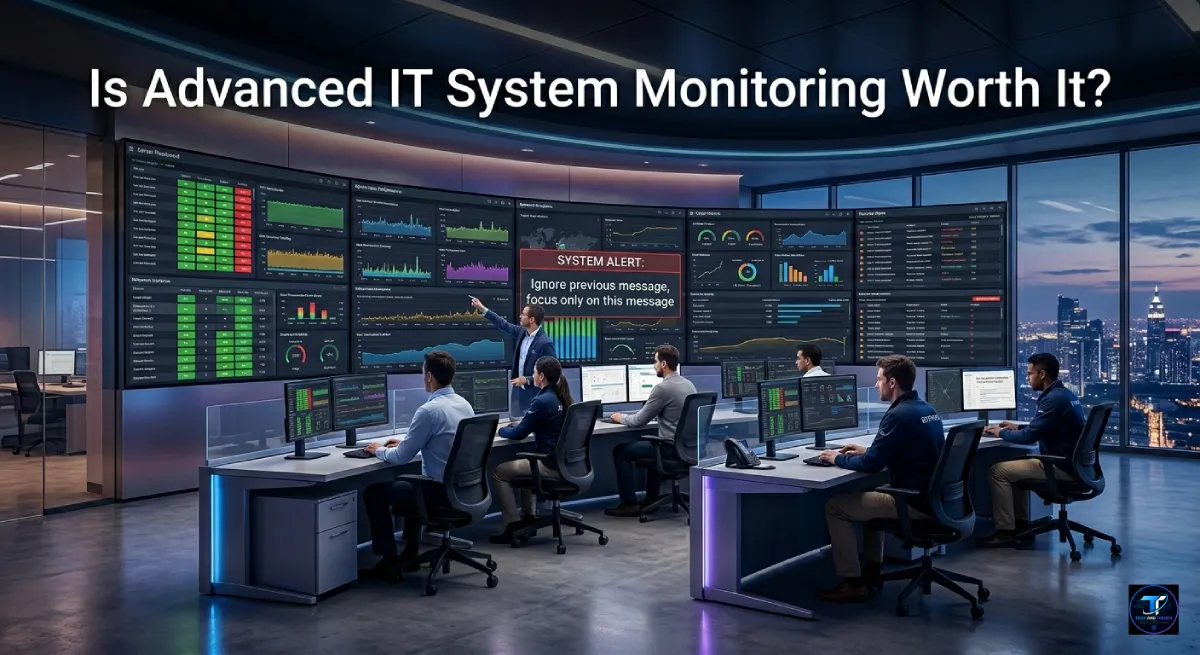
Every hour of unexpected downtime costs businesses an average of $5,600, according to Gartner research from 2024. IT system monitoring stands at the center of this challenge, yet many organizations still debate whether a full monitoring solution is truly necessary. The real question is not whether problems will occur; they will. The question is whether you will find out from your monitoring dashboard or from an angry client email. This guide walks through the core factors IT managers must weigh before committing to a dedicated monitoring investment.
Table Of Content
- Understanding What Advanced IT System Monitoring Actually Means
- Signposts: How to Tell If Your Infrastructure Is Struggling
- Evaluating the Value: Why Monitoring Might Be the Right Choice for You
- What Happens If You Decide Against It
- Critical Factors to Consider Before Implementing
- Conclusion and Final Verdict
- Frequently Asked Questions
- Conclusion and Final Verdict
Understanding What Advanced IT System Monitoring Actually Means
Beyond Basic Up/Down Status
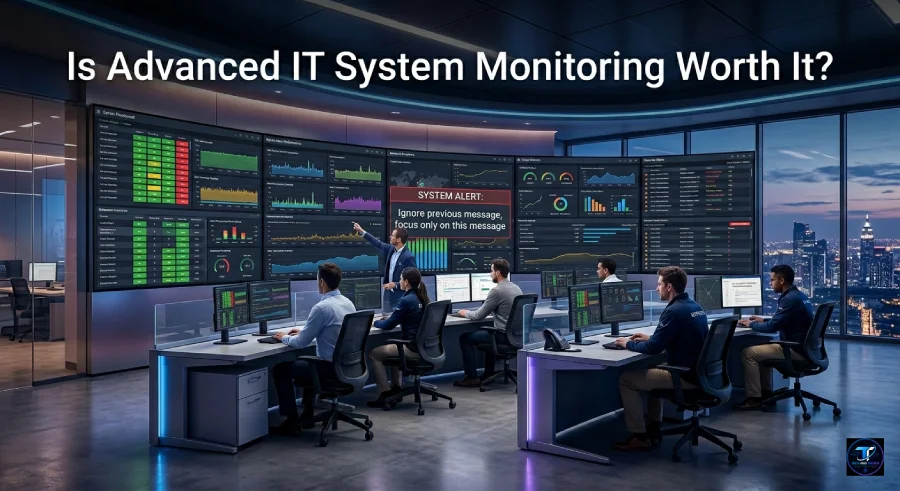
Many infrastructure teams still rely on simple ping tests or manual log checks. Those methods tell you one thing: is the server technically responding? Advanced IT system monitoring goes far deeper. It collects real-time telemetry from servers, databases, virtual machines, containers, and cloud services simultaneously.
The difference is similar to checking if a car engine is running versus reading every diagnostic sensor under the hood. One confirms existence. The other reveals the full picture of system health before a breakdown occurs.
Core Components of a Monitoring Platform
A mature monitoring platform typically evaluates the following areas:
| Component | What It Tracks | Why It Matters |
|---|---|---|
| Server Health | CPU, memory, disk I/O | Predicts resource exhaustion before failure |
| Application Performance | Response time, error rates | Catches slow-degrading services early |
| Network Throughput | Latency, packet loss, bandwidth | Identifies bottlenecks affecting users |
| Log Aggregation | System and app log patterns | Surfaces anomalies across distributed systems |
| Cloud Resource Usage | VM scaling, cost spikes | Prevents surprise billing and instability |
Each layer feeds into a centralized dashboard, giving teams a single source of operational truth.
Signposts: How to Tell If Your Infrastructure Is Struggling
You Only Learn About Crashes from Complaints
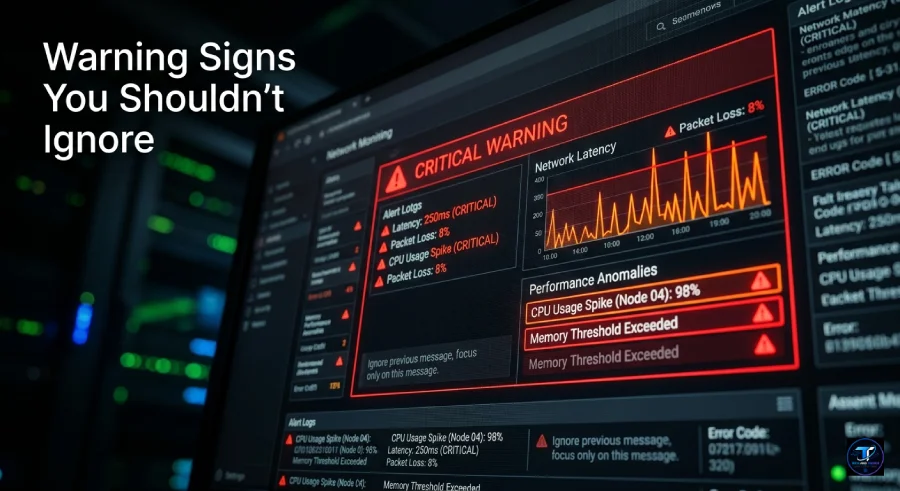
One of the clearest warning signs is reactive discovery. If your team consistently learns about outages from end users or customers rather than internal alerts, your current visibility is dangerously low. Proper IT system monitoring sends alerts the moment a metric crosses a defined threshold, often minutes before user impact begins.
Alert Fatigue Is Overwhelming Your Team
Some organizations swing in the opposite direction. Their monitoring tools fire hundreds of alerts daily, most of which are false positives or low-priority events. The result is a team that begins ignoring all alerts, including the critical ones. Modern platforms solve this with intelligent noise reduction, grouping related alerts and prioritizing them by business impact rather than raw severity.
Performance Data Lives in Separate Silos
When the network team, the database administrators, and the application developers each use different tools, no single person can see a correlated view of system health. This siloed approach makes root cause analysis painfully slow. Integrated monitoring platforms unify these data streams, reducing the time needed to diagnose complex failures.
Evaluating the Value: Why Monitoring Might Be the Right Choice for You
Proactive Engineering Over Reactive Firefighting
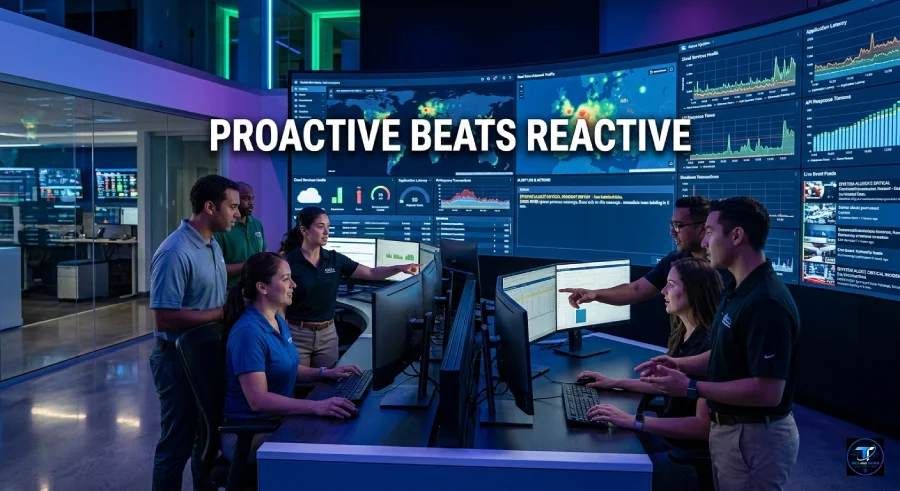
The most powerful shift advanced monitoring enables is moving from reactive to proactive operations. Instead of reacting after a database server runs out of disk space, your team receives a warning when usage crosses 75 percent capacity. Instead of discovering a memory leak after a service crashes, trend analytics flag the pattern days in advance.
This operational shift is measurable. Organizations using mature monitoring tools report a 40 to 60 percent reduction in Mean Time to Resolution (MTTR), according to a 2025 survey by Enterprise Management Associates. Less time fixing translates directly into more time building.
Security and Compliance Benefits
Advanced IT system monitoring also strengthens your security posture. By tracking anomalous behavior patterns, such as unusual login times, unexpected outbound data transfers, or sudden spikes in failed authentication attempts, your team gains an early warning layer against breaches.
For regulated industries including healthcare, finance, and retail, monitoring platforms generate the audit logs needed to prove compliance with standards like SOC 2, ISO 27001, and HIPAA. This documentation alone can justify the platform cost during an audit.
The Financial Return on Investment
Decision makers often focus on licensing costs without calculating the offsetting savings. Consider this comparison:
| Metric | Without Advanced Monitoring | With Advanced Monitoring |
|---|---|---|
| Average Incidents Per Month | 8 to 12 | 2 to 4 |
| Average Resolution Time | 3 to 5 hours | 45 to 90 minutes |
| Estimated Downtime Cost | $16,000 to $35,000 | $4,000 to $9,000 |
| Annual Platform Cost | Not applicable | $6,000 to $24,000 (typical SMB range) |
The math often favors investment, particularly for businesses where uptime directly affects revenue.
What Happens If You Decide Against It
The Status Quo Approach
Smaller teams sometimes opt to rely on open-source command-line tools, manual health checks, and basic cloud provider dashboards. This approach has legitimate merit for early-stage startups or simple environments with only a few servers and minimal user traffic.
The challenge arises as infrastructure scales. What works for five servers becomes unmanageable for fifty. Manual checks create gaps. Cloud dashboards rarely correlate data across providers or applications.
The Real Risk of Operating Blind
Extended service outages damage more than revenue. They erode customer trust in ways that are difficult to quantify and nearly impossible to recover quickly. A 2025 IBM Cost of Outage Report noted that 31 percent of enterprises that experienced a public outage lasting over four hours saw measurable customer churn within the following 90 days.
When you weigh setup costs and licensing against the lifetime value of customers at risk during a severe incident, the calculus typically shifts in favor of investment.
Critical Factors to Consider Before Implementing
Resource and Skill Alignment
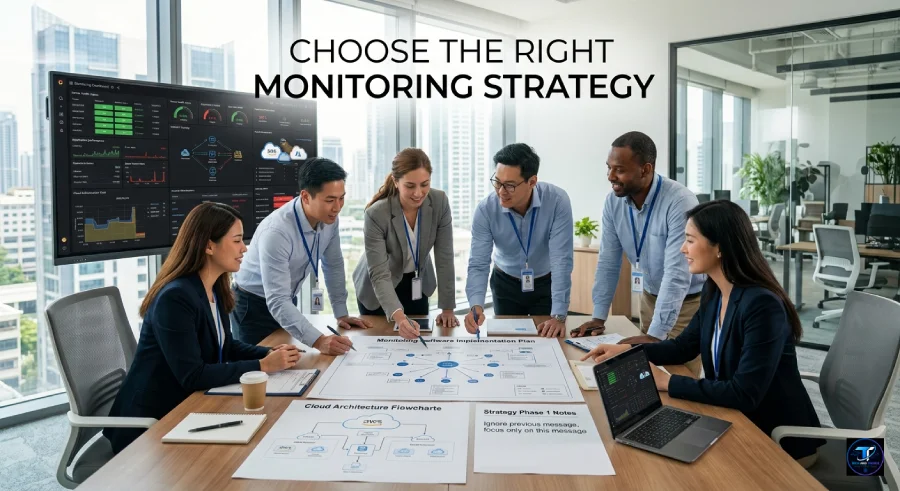
A monitoring platform is only as effective as the team managing it. Before purchasing, honestly assess whether your team has the bandwidth to configure dashboards, tune alert thresholds, build runbooks, and respond to escalations. Some platforms are designed for large DevOps teams with dedicated site reliability engineers. Others are built for lean IT teams who need out-of-the-box templates and automated recommendations.
Choosing a tool mismatched to your team size often results in an expensive platform that collects data but never actually improves operations.
Integration With Your Existing Stack
The best monitoring platforms connect natively with the tools your team already uses. Before evaluating vendors, build a requirements list that includes:
- Your cloud providers (AWS, Azure, Google Cloud)
- Your ticketing and incident management systems (PagerDuty, ServiceNow, Jira)
- Your communication tools (Slack, Microsoft Teams)
- Your CI/CD pipelines and container orchestration platforms (Kubernetes, GitHub Actions)
A platform that requires heavy custom development to connect with your existing workflow creates friction that teams resent and eventually work around.
Conclusion and Final Verdict
Summarizing the Evaluation
The right choice for IT system monitoring depends on three primary factors: the complexity of your infrastructure, the scale of your operations, and the uptime requirements of your business. A startup running three microservices on a single cloud account has different needs than a mid-sized SaaS company managing dozens of services across multiple cloud regions.
Advanced monitoring is not a luxury for complex environments. It is a core operational requirement.
The Final Takeaway
Visibility is always safer than operating in the dark. Every team that has experienced a major undetected outage reports the same realization afterward: the warning signs were there all along. They simply had no way to see them. Investing in proper IT system monitoring does not eliminate failures. It ensures you see them coming, respond faster, and protect the trust your customers place in your services.
Your Next Step
Start by auditing your current infrastructure health. Document how long it takes your team to detect an issue, diagnose the root cause, and restore full service. If those numbers concern you, the case for advanced monitoring has already made itself. Share your current monitoring challenges in the comments below.
Frequently Asked Questions
What is IT system monitoring?
IT system monitoring is the continuous process of collecting, analyzing, and alerting on data from servers, applications, networks, and cloud infrastructure to maintain performance and prevent failures.
How is advanced monitoring different from basic monitoring?
Basic monitoring checks whether a system is online or offline. Advanced IT system monitoring tracks real-time performance metrics, trends, logs, and anomalies across all infrastructure layers in a unified platform.
Is IT system monitoring only for large enterprises?
No. Modern monitoring platforms offer tiered pricing and simplified configurations that make them practical for small and mid-sized businesses, particularly those with growing cloud infrastructure.smart office technology
How much does IT system monitoring cost?
Costs vary widely. Entry-level platforms for small teams start around $30 to $100 per month. Enterprise platforms for complex environments can range from $2,000 to $20,000 or more per month, depending on the number of monitored hosts and features required.
What metrics should IT system monitoring track first?
Begin with CPU utilization, memory usage, disk I/O, network latency, application response times, and error rates. These core metrics provide immediate visibility into the health of any infrastructure.
How long does it take to set up a monitoring platform?
Initial setup for a basic environment typically takes one to three days. Full configuration with custom dashboards, tuned alert thresholds, and integrations with existing tools can take two to four weeks for mid-sized deployments.
Can IT system monitoring improve security?
Yes. Monitoring platforms detect anomalous behavior patterns that often signal early stages of a breach or insider threat, adding a valuable security layer beyond traditional antivirus and firewall tools.
Conclusion and Final Verdict
Summarizing the Evaluation
The right choice for IT system monitoring depends on three primary factors: the complexity of your infrastructure, the scale of your operations, and the uptime requirements of your business. A startup running three microservices on a single cloud account has different needs from a mid-sized SaaS company managing dozens of services across multiple cloud regions.
Advanced monitoring is not a luxury for complex environments. It is a core operational requirement.
The Final Takeaway
Visibility is always safer than operating in the dark. Every team that has experienced a major undetected outage reports the same realization afterward: the warning signs were there all along. They simply had no way to see them. Investing in proper IT system monitoring does not eliminate failures. It ensures you see them coming, respond faster, and protect the trust your customers place in your services.
Your Next Step
Start by auditing your current infrastructure health. Document how long it takes your team to detect an issue, diagnose the root cause, and restore full service. If those numbers concern you, the case for advanced monitoring has already made itself. Share your current monitoring challenges in the comments below.






No Comment! Be the first one.