





CrewAI vs LangGraph: Which Agent Framework Should You Pick in 2026?
CrewAI vs LangGraph compared on control, state, speed and production use in 2026, with a clear pick for prototypes, products and regulated teams.
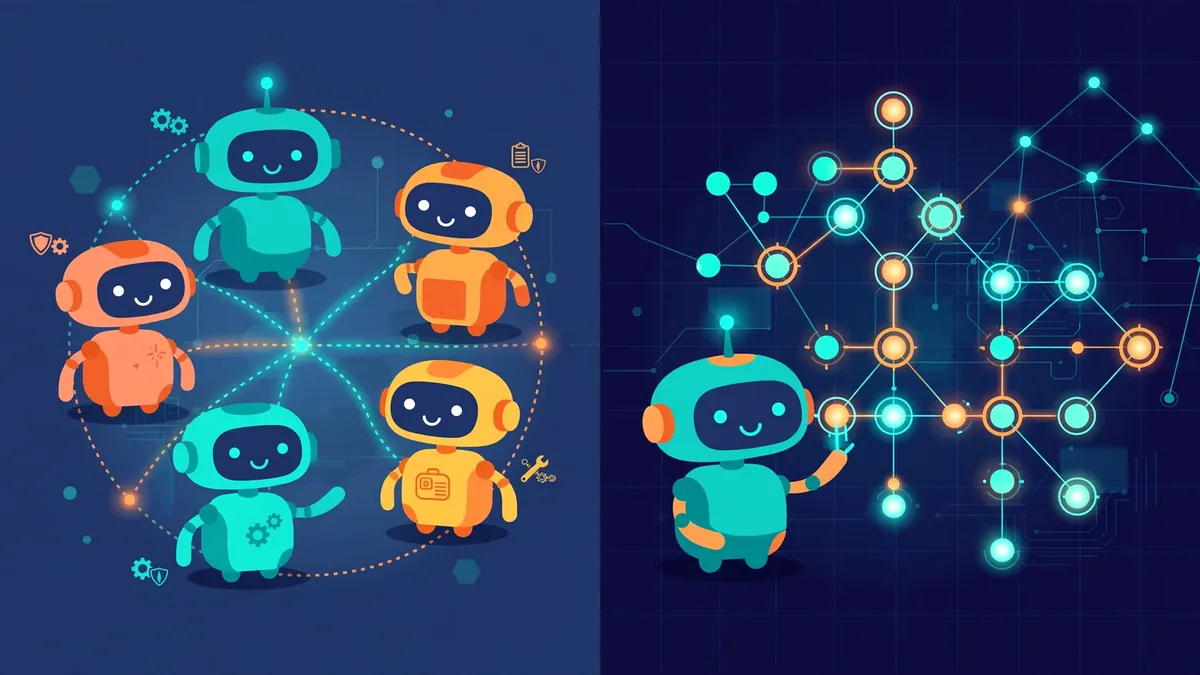
Every CrewAI vs LangGraph comparison comes down to one fundamental disagreement: who should be in charge of the workflow. CrewAI hands control to the agents themselves, organized like a small company with job titles and assignments. LangGraph keeps control in your code, moving work through a diagram of steps that you draw in advance.
Table Of Content
- CrewAI vs LangGraph at a glance
- The core difference: job titles vs flowcharts
- The same task, built both ways
- Production readiness: where the gap actually shows
- Learning curve and speed to first prototype
- Hosting and pricing: the honest version
- Pick CrewAI if… / Pick LangGraph if…
- FAQ
- CrewAI or LangGraph: the final call
That single difference decides almost everything else, how fast you ship, how the system behaves when something breaks at 3 a.m., and how much it hurts to change later.
Pick CrewAI if your task breaks neatly into specialist jobs and you want a working prototype this week. Pick LangGraph if the workflow must pause, resume, branch, ask a human for approval, or survive a crash without starting over.
Neither is the “better framework” in the abstract. They are answers to two different questions: how quickly can a team of agents start working? versus how precisely can I control what the team does?
Both tools sit near the top of our multi-agent AI frameworks guide, alongside AutoGen. This article skips the three-way roundup and focuses only on the decision teams actually stall on: these two, head to head.
CrewAI vs LangGraph at a glance
| CrewAI | LangGraph | |
|---|---|---|
| Core idea | Agents with roles, goals and tasks | Nodes and edges in a state graph |
| Who controls the flow | The crew’s process (sequential or manager-led) | Your code, explicitly |
| Time to first working prototype | Hours | Days |
| State handling | Task outputs passed along; memory add-ons | First-class shared state with checkpoints |
| Human approval | Possible, bolted on | Built-in interrupts at any step |
| Failure recovery | Restart or re-run a task | Resume from the last checkpoint |
| Debugging | Read agent reasoning traces | Replay the graph step by step |
| Hosting options | Self-host, or CrewAI’s managed AMP platform | Self-host, or LangSmith Deployment (managed) |
| Framework cost | Free and open source | Free and open source |
| Best fit | Content, research and ops crews | Long-running, regulated, stateful products |
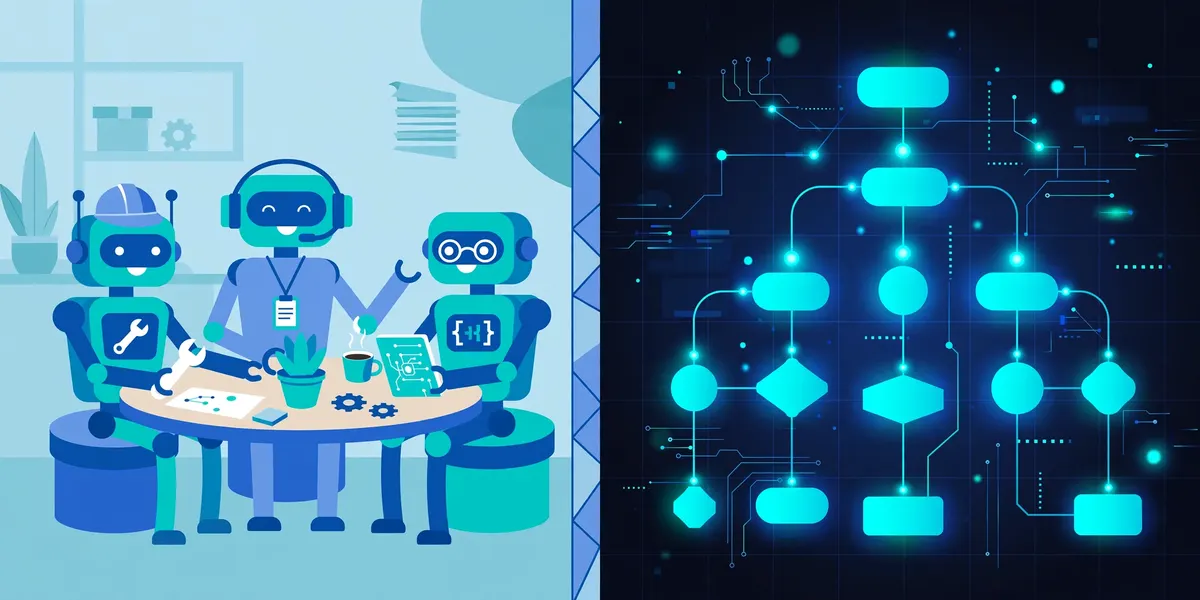
The core difference: job titles vs flowcharts
CrewAI thinks like an org chart. You define agents the way you would write job descriptions, a researcher with a goal and a backstory, a writer, a fact-checker, then hand each one tasks with expected outputs. The crew runs those tasks in order, or a manager agent delegates them.
If you can describe the work as “this person does X, then that person does Y,” CrewAI maps onto it almost one-to-one. For the full mechanics of agents, tasks and crew processes, our complete CrewAI guide walks through building one step by step, so we will not repeat that here.
LangGraph thinks like a flowchart. Your workflow is a graph: each node does one piece of work, each edge decides where the work goes next, and a shared state object carries everything the workflow knows so far.
The agents do not decide the route; the route is something you designed, and the conditions on each edge make the decisions. An agent inside a node can reason freely, but it cannot wander off the map.
This is why the two tools feel so different to work in. CrewAI asks, “who should do this job?” LangGraph asks, “what exactly happens, in what order, under what conditions?”
If your honest answer to the second question is “we don’t know yet, the agents should figure it out,” CrewAI will feel liberating. If your answer is “we know exactly, and auditors will check,” LangGraph will feel like a relief.
The same task, built both ways
Abstract differences get clearer with one concrete job. Say you want a weekly competitor-intelligence brief: gather news and product changes from a list of sources, filter out the noise, write a one-page brief, and have the claims checked before it lands in your inbox every Monday.
The CrewAI version takes an afternoon to assemble. You create a Researcher agent with a search tool and a task: collect this week’s changes from the source list. An Analyst agent gets the second task: rank the findings by impact and drop anything irrelevant.
A Writer agent turns the ranked list into the brief, and an Editor agent fact-checks names, dates and numbers against the research output.
You set the crew to run sequentially, schedule it, and read the brief on Monday. When it works, and for this shape of task it usually does, it feels like magic for very little code.
The LangGraph version takes longer to set up, and the extra time buys specific things. The same job becomes nodes: collect → score → draft → verify → deliver. The shared state holds the raw findings, the ranked list and the draft, so every node works from the same record.
A conditional edge after verify loops the draft back to the writer when a claim fails the check, with a counter in state that stops the loop after two failed passes and escalates instead. Another edge pauses the graph before deliver if the brief flags a pricing change above a threshold, and waits for a human to approve it.
Notice what changed. The CrewAI version trusts the editor agent to do its job inside the flow. The LangGraph version makes the retry limit, the escalation and the approval gate structural: they exist in the graph, not in a prompt asking an agent to please remember them.
For a Monday brief, that structure is arguably overkill. For a workflow that touches customers, money or compliance, it is the whole point.
Production readiness: where the gap actually shows
Demo day hides the differences. Production exposes them in four places.
State and persistence
LangGraph treats state as the foundation. Every step reads and writes a typed state object, and built-in checkpointers save that state as the graph runs, organized into threads you can inspect, rewind or resume. A workflow that runs for six hours and dies at hour five restarts from the last checkpoint, not from zero.
As the LangGraph documentation describes it, this persistence layer is what enables durable execution and time-travel debugging: you can replay a run and watch exactly which node produced a bad value.
CrewAI passes outputs from task to task, and offers short-term, long-term and entity memory so agents can recall context across runs. That covers a lot of real workloads.
But durable, resumable execution is not the framework’s center of gravity: if a long crew run fails near the end, the common pattern is to re-run the task or the crew, and to design tasks to be idempotent so a re-run is safe.
CrewAI’s newer Flows feature adds event-driven structure and state on top of crews, which narrows the gap, but you are adding control back in, piece by piece, rather than starting from it.
Human-in-the-loop
Approvals are where LangGraph’s design pays off most visibly. An interrupt can pause the graph at any node, hand the current state to a human, and resume hours or days later with the human’s decision written back into state. Nothing about the run is lost while it waits.
In CrewAI, human input is supported; a task can request it, and a manager-led crew can be supervised, but pausing a multi-day workflow mid-run for an approval is not the natural shape of the tool.
Teams usually restructure the work into two crews with a human step in between, which works, but it is a workaround rather than a feature.
Retries and failure handling
In a graph, failure handling is drawn, not hoped for: a node can route errors to a retry edge, a fallback node or an escalation path, and each route is visible in the diagram.
In a crew, resilience lives in task configuration, iteration limits, guardrails on outputs, and how you chunk the work so a failed task is cheap to repeat. Both approaches can be made reliable. Only one of them shows an auditor, or a new hire, a picture of what happens when things go wrong.
Observability
Whichever framework you choose, an agent system you cannot trace is a system you cannot fix. Token costs, latency, tool calls and failure points need to be visible per run; the discipline we cover in our guide to LLM observability applies to both tools.
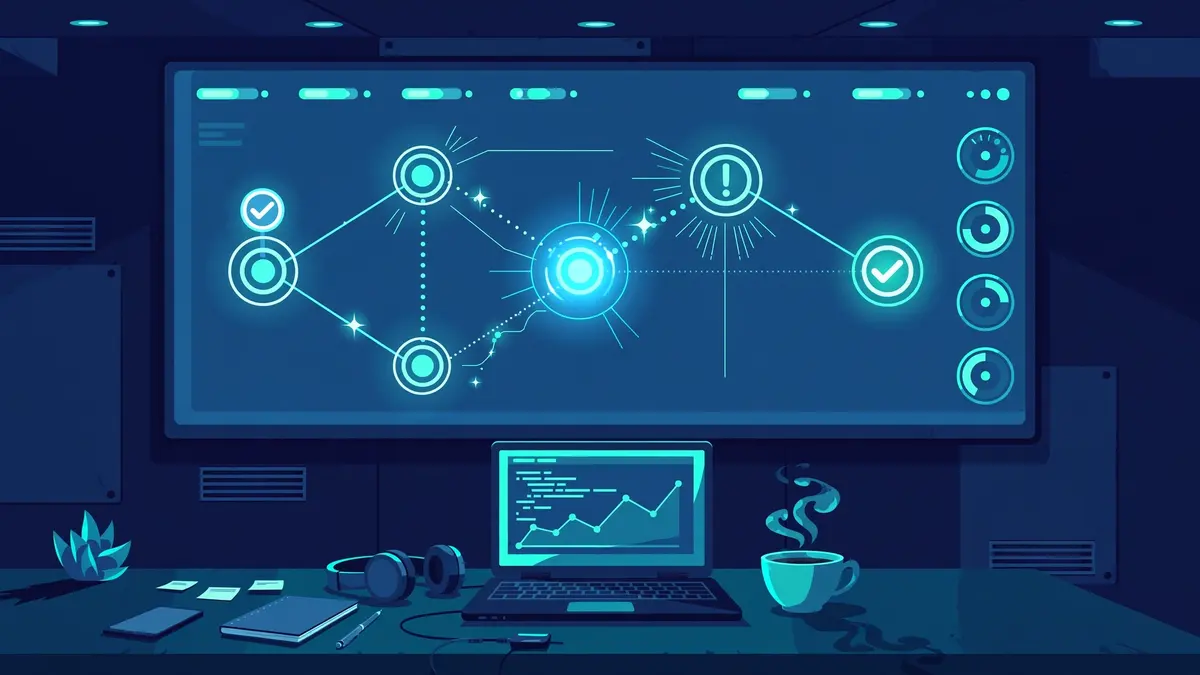
In practice, LangGraph pairs with LangSmith for tracing and evaluation, which makes its runs unusually inspectable. CrewAI exposes execution events and integrates with common tracing tools, and its managed platform adds monitoring dashboards. Neither tool leaves you blind, but LangGraph’s step-by-step replay is the stronger debugging experience today.
Learning curve and speed to first prototype
CrewAI is genuinely fast to learn. A developer comfortable with Python can define agents and tasks in plain, readable code and have a working crew the same day.
The concepts, role, goal, task, crew, need almost no explanation, and the failure mode of a beginner is a slightly messy crew, not a system that will not run at all.
LangGraph asks more upfront. You need to think in states, nodes and edges before the first run does anything useful, and simple jobs can feel over-engineered while you are learning the pattern.
Teams coming from our LangGraph vs AutoGen comparison will recognize the trade: graph thinking feels slower for the first project and faster for every project after, because debugging and extending a drawn workflow beats untangling an emergent one. Budget a few days of learning before a LangGraph team is productive; budget an afternoon for CrewAI.
Hosting and pricing: the honest version
Both frameworks are free and open source, and the framework itself will not be your bill. Your real costs, in order, are: model tokens (usually the largest line by far), any managed platform you choose, and the engineering time spent on control and debugging.
Self-hosting either tool costs nothing beyond your infrastructure. The paid layers are conveniences. LangSmith Deployment, the managed service formerly called LangGraph Platform, offers deployment with its persistence and scaling handled for you, and LangSmith adds paid tiers for tracing volume and evaluation.
CrewAI’s managed AMP platform sells enterprise deployment, observability and support on top of the open-source core. A small team can run either framework for months paying only API bills; the platform decision matters when uptime, scaling and audit requirements stop being optional.
One cost note that surprises teams: framework choice influences token spend at the margins. Tightly routed graph workflows tend to waste fewer tokens on wandering reasoning, while role-based crews can spend extra calls on coordination. The difference is real but second-order. Your prompt design and model choice will move the bill far more than this decision will.
Pick CrewAI if… / Pick LangGraph if…
Pick CrewAI if:
- Your task splits cleanly into specialist jobs, research, drafting, analysis, review
- You need a working prototype this week to prove the idea
- The workflow is short-lived: minutes or hours, not days
- A failed run is annoying, not dangerous, and re-running is cheap
- Your team thinks in roles and responsibilities more naturally than in flowcharts
Pick LangGraph if:
- The workflow must pause for human approval and resume later without losing its place
- Runs are long, stateful, or expensive enough that restarting from zero is unacceptable
- Branching logic, retry limits and escalation paths must be explicit and reviewable
- You work in a regulated setting where “the agent decided to” is not an acceptable audit answer
- You expect the system to grow more complex over time rather than stay a neat pipeline
And the combination worth knowing about: plenty of teams prototype in CrewAI to validate the idea, then rebuild the workflows that survive in LangGraph once control starts to matter. That is not indecision; it is using each tool at the stage where it is strongest.
FAQ
Is CrewAI easier than LangGraph for beginners?
Yes, clearly. CrewAI’s role-and-task model can be understood in an hour and used the same day, while LangGraph requires you to learn state-driven graph design before your first workflow runs well. Beginners ship sooner with CrewAI; LangGraph rewards the investment later, when systems grow.
Can CrewAI handle long-running workflows that pause for days?
Not as a native pattern. CrewAI is built around crews executing tasks to completion, and while memory and Flows add persistence, pausing mid-run for two days and resuming exactly where you stopped is LangGraph’s home ground, thanks to its checkpointers and interrupts. For genuinely long-lived workflows, that difference usually settles the choice.
Do I need LangChain to use LangGraph?
No. LangGraph works as a standalone library and can call any model provider or tool, though it shares design ideas and tooling with the LangChain ecosystem and pairs naturally with LangSmith for tracing. Being outside the LangChain world is not a blocker; it just means a few integrations take a little more manual wiring.
Which one is cheaper to run in production?
Roughly the same. Both frameworks are free, and your bill is dominated by model tokens either way. Graph workflows can be slightly more token-efficient because routing is explicit, but the gap is small next to model choice and prompt design. Choose on control and fit, not on a hoped-for cost saving.
Can I start with CrewAI and migrate to LangGraph later?
Yes, and many teams do exactly that. The concepts do not transfer one-to-one: roles and tasks become nodes, edges and state, so treat it as a rebuild of the workflows that proved valuable, not a conversion. Prototyping in CrewAI first means you arrive at the rebuild knowing precisely which control points the graph needs.
CrewAI or LangGraph: the final call
CrewAI and LangGraph are not really competing answers to the same question. CrewAI answers “how do I get a capable team of agents working as fast as possible?” and LangGraph answers “how do I keep an agent system under exact control once it matters?”
Decide which of those is your actual problem today, and the choice makes itself. If you are still unsure, build the smallest useful version of your workflow in CrewAI this week, and let the first time you catch yourself wishing for a pause button, a checkpoint or a retry limit tell you when it is time to move.




No Comment! Be the first one.